In order to add information about the store, first of all, you need to create the store, that is, the products, and when you click on the pencil next to the product and then on the invoice option.
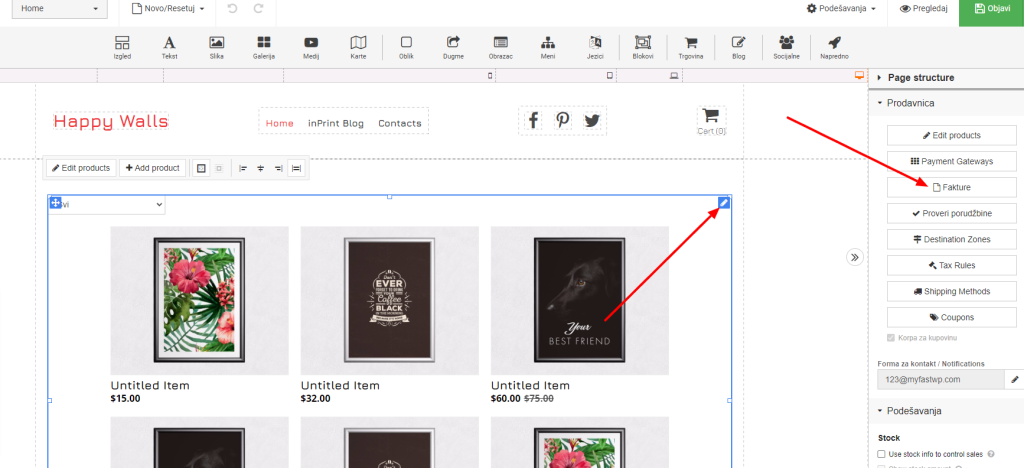
After that, a popup window will open in which we can set our data and a few other things.
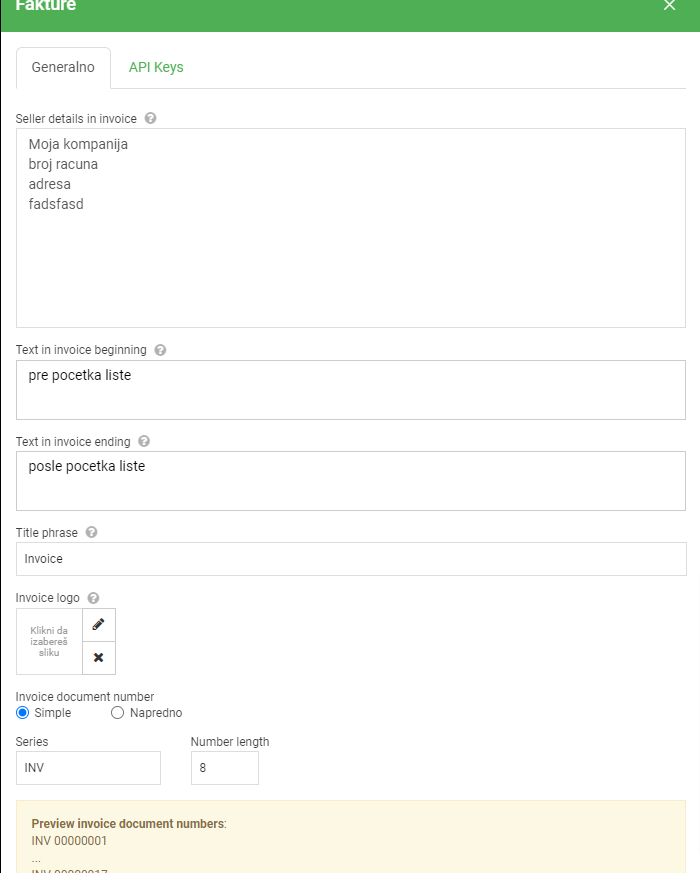
Here we enter our data and everything is pretty clear. If an option is not clear to you, you can test it and see how it appears in the invoice to make sure you get the desired data and appearance. We do not use the API keys option.