Thank you for using this guide because it frees up support to help someone who has no option or needs other help.
First order
On our site, you do not need to register before ordering, because the account is created automatically after ordering.
You select the hosting or domain you want and the order process will guide you through the steps. Before the last step, you will see the basket. If the service you want to order is in the basket, then proceed further in the last step, you choose how you will pay, as a legal entity (firm) or a natural person.
After filling in the data, you will receive the payment information by email. And with the card and QR code, you can pay immediately and the service will be automatically active.
Creating an account for an existing service
This part of the client panel allows you to easily resend yourself an invoice that you deleted by mistake, to combine several services in one invoice, to separate services and to pay separately if you don't want to continue paying for something, etc.
Help with accessing the client panel can be found in this guide:
Once you have logged in to the client panel, you will get options as shown in the image below:
Create an account link
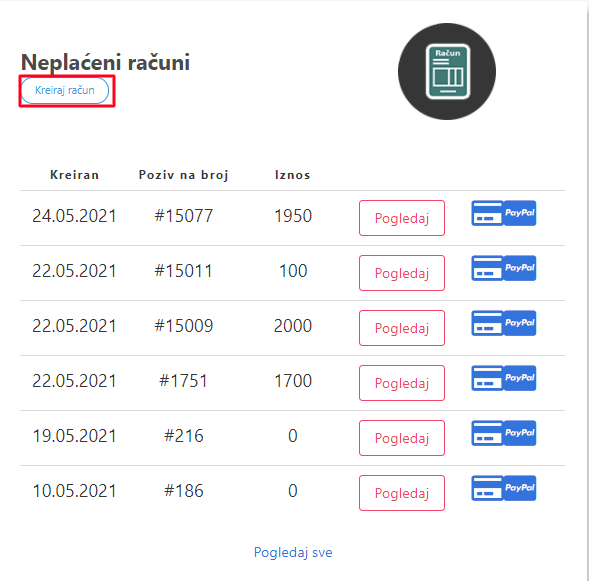
Now you need to click on the "Create Accounts" link. After that you will get a page like the picture below but with your services.
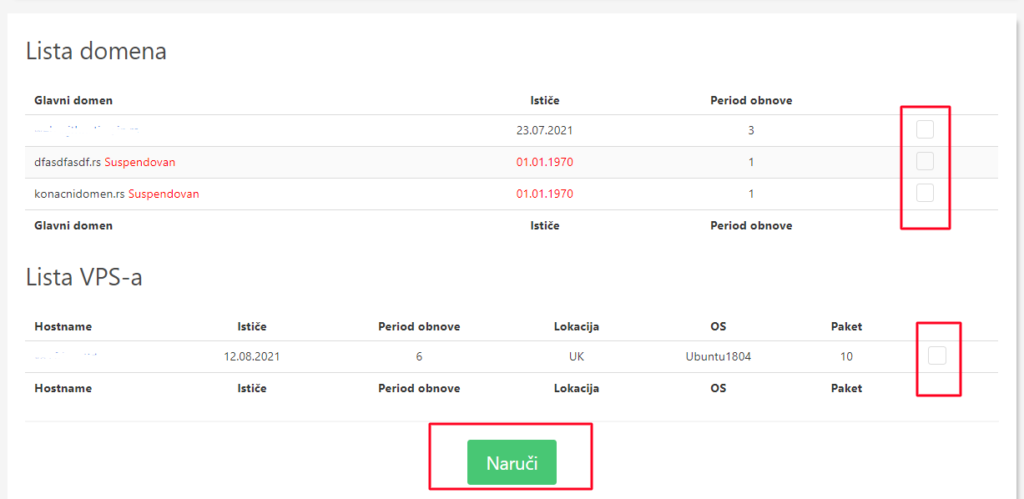
On that page, just below these already created accounts, you can choose which service you want to create an account for, by ticking the red square on the right. When you mark what you want to pay, click the button Order.
When you click on the order, it will appear as in the picture below.
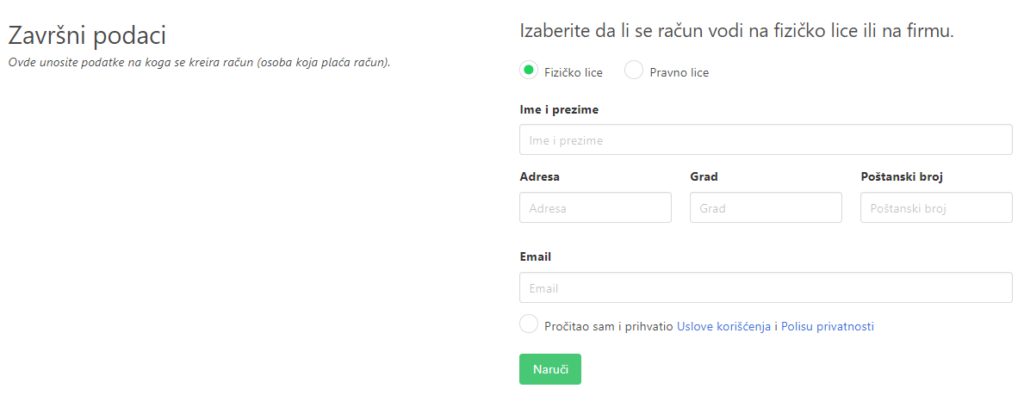
Here you fill in the name of the bill, i.e. the person who pays the bill, it is mandatory and must be correct. When you fill out, click "Order". After that you will get a message like the picture below
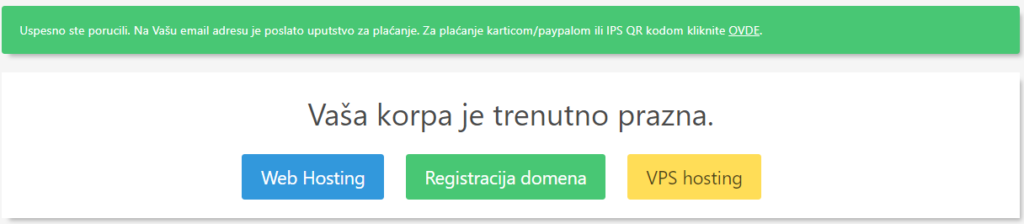
You can make the payment by card by clicking on the link that appeared or by payment slip/ebanking/mbanking with the information that was sent to your email.