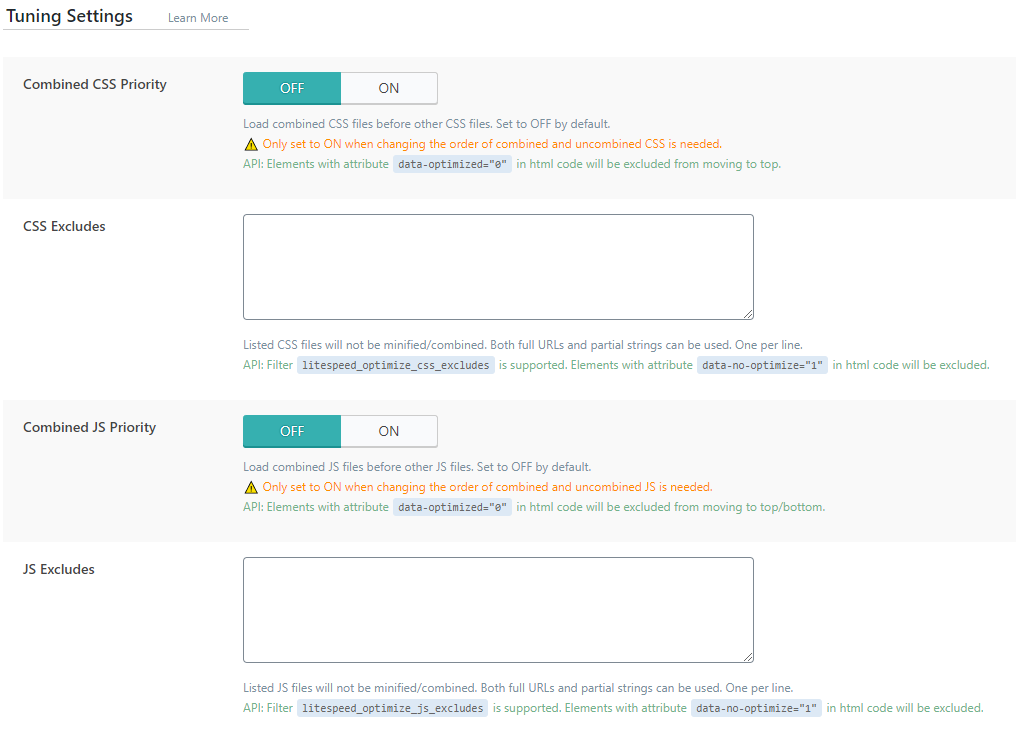
Combined CSS Priority: Combined CSS is loaded after the external CSS is loaded, because it usually requires what it already has. In case you need the combined one to be loaded before others, enable this option.
CSS Excludes: if you want to exclude some CSS from the optimization, enter it here.
Combined JS Priority: same as for CSS noted above.
JS Excludes: same as css noted above.
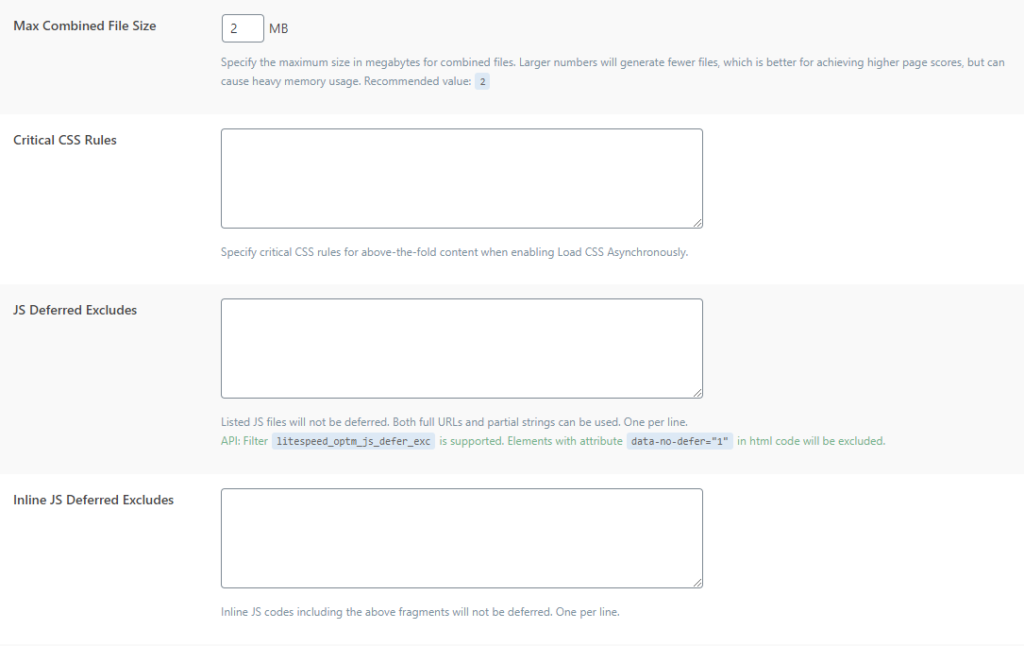
Max Combined File Size: Size of the combined file. If the combined file is larger than the number you enter here, then more files will be generated. Of course, it is better to have as few files as possible, but generating a larger file also requires a larger load. Best to find some middle ground. What I would recommend is to leave 2 as the default value.
Critical CSS Rules: When is Load CSS Asynchronously approved then this way the css entry you enter will be generated immediately so that the site does not load properly or there are some loading errors.
JS Deferred Excludes: if Load JS Deferred included here you can exclude which js file you don't want to be included in that option.
Inline JS Deferred Excludes: same as previous option only for inline js.
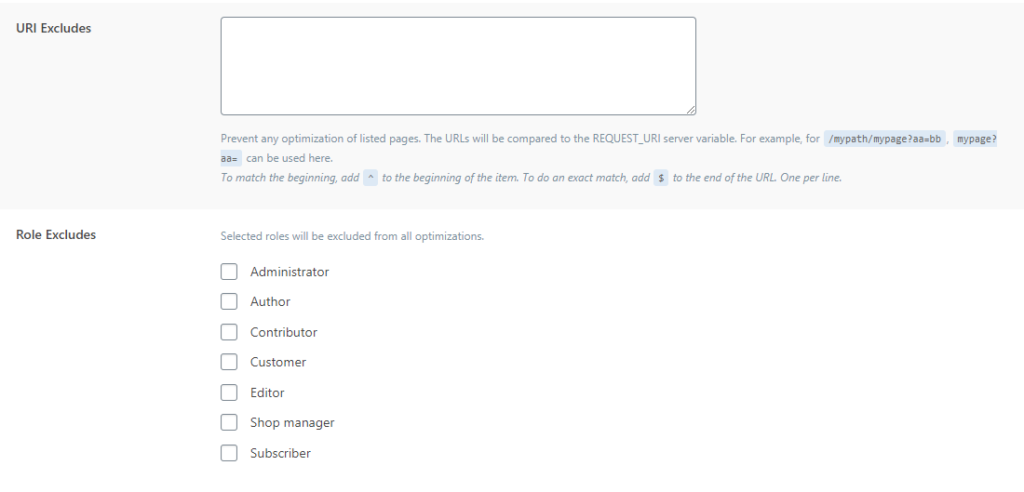
URI Excludes: URL pages that you want to be excluded from optimization, enter the complete URL here.
Role Excludes: You turn off optimization for this type of logged-in user, especially when the administrator is testing new functionalities, then this option is necessary for you.