
WordPress can be installed using the auto installer found in cPanel.
After logging in to cPanel using the data you received in the activation email at the bottom of the home page in cPanel you have WordPress as in the picture.
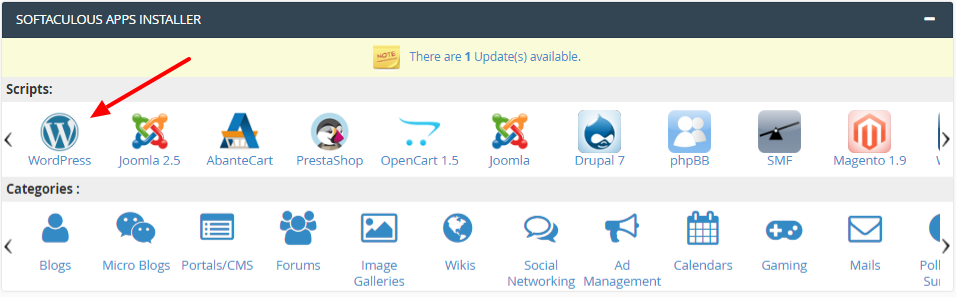
After clicking on wordpress, a page will open where you need to click on install.
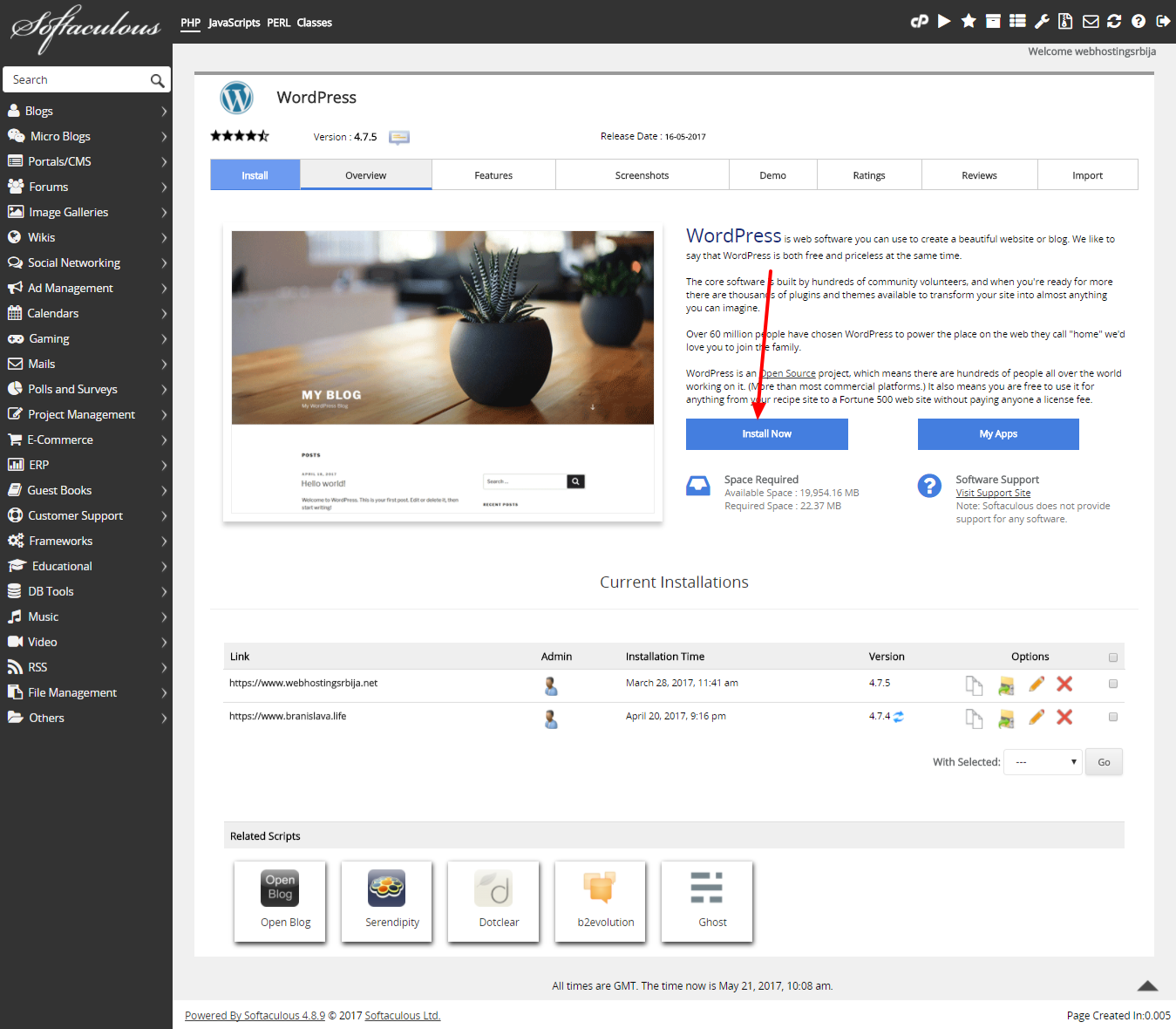
After clicking install, a new window will open for you to fill in the basic fields.
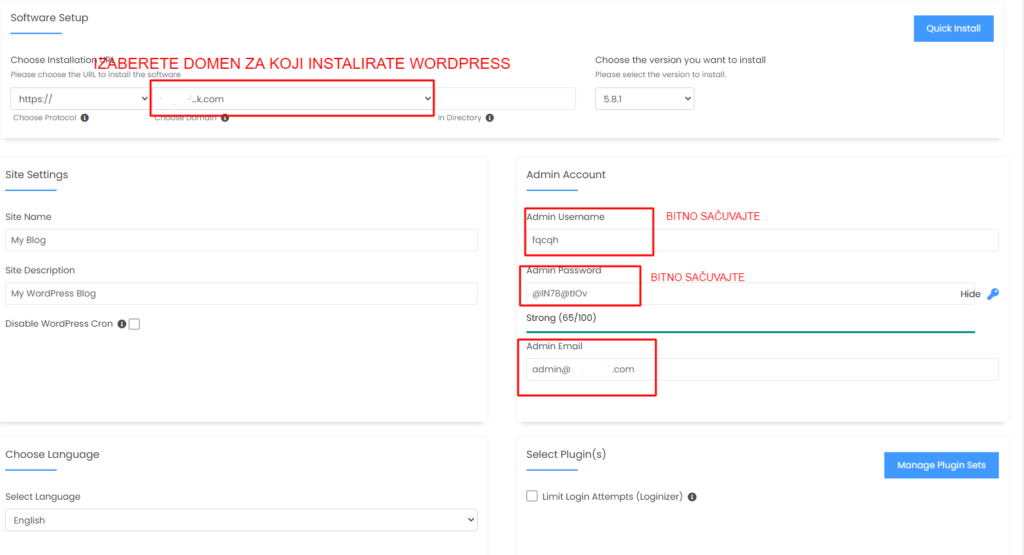
In this part, we select the domain (if you have more) for which we install wordpress.
Then we have a username and password with which we log in to the administrative part of wordpress.
The last is the email address that we set as our active email address, which serves so that if we forget our password, we can reset it.
After this, we skip everything else and go to Install.
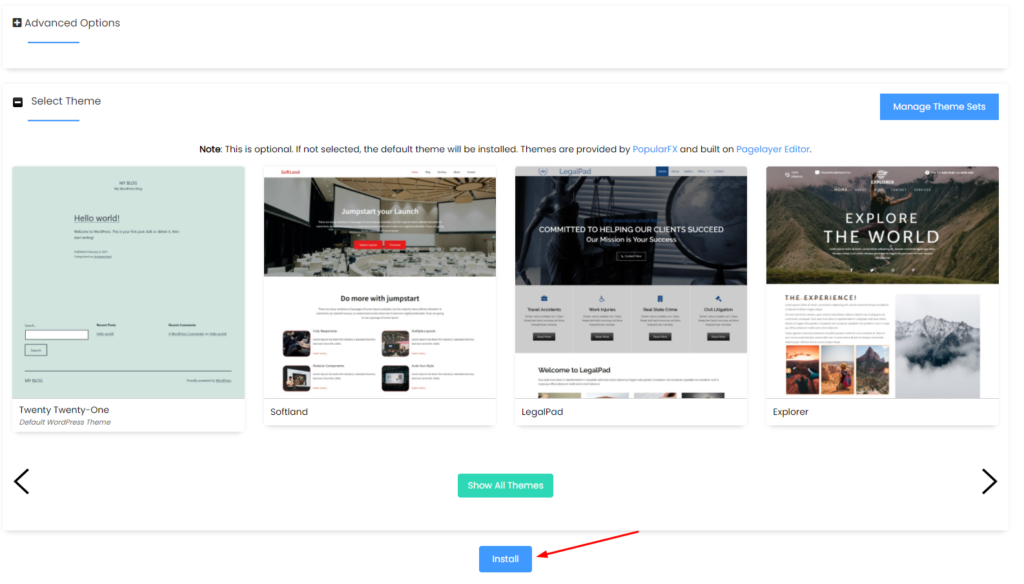
The installation is complete and you already have an active site.

