Like any store, you have the option of paying for products on the Site Creator.
First of all, you need to create your store using the Site Builder tool. After you have created your store, you need to have a basket, which you usually put in the header itself, as in the picture below.
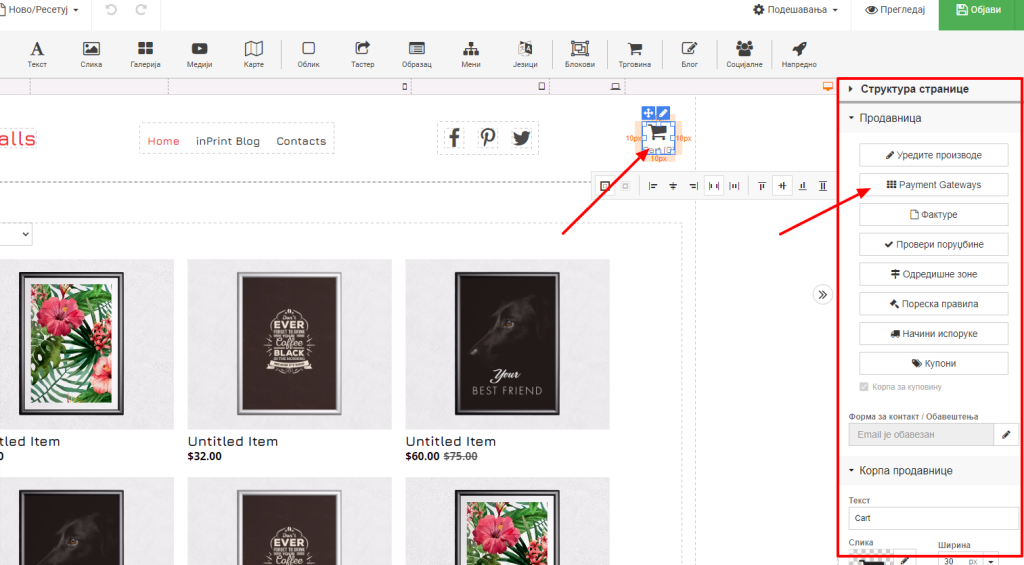
As we have probably learned by now, for each option we have additional settings on the right side, which we call sidebar. So here too. When we click on the basket, we have our options on the right. The option that this article is about is Payment Gateways. When we click on that option, available payment methods will appear.
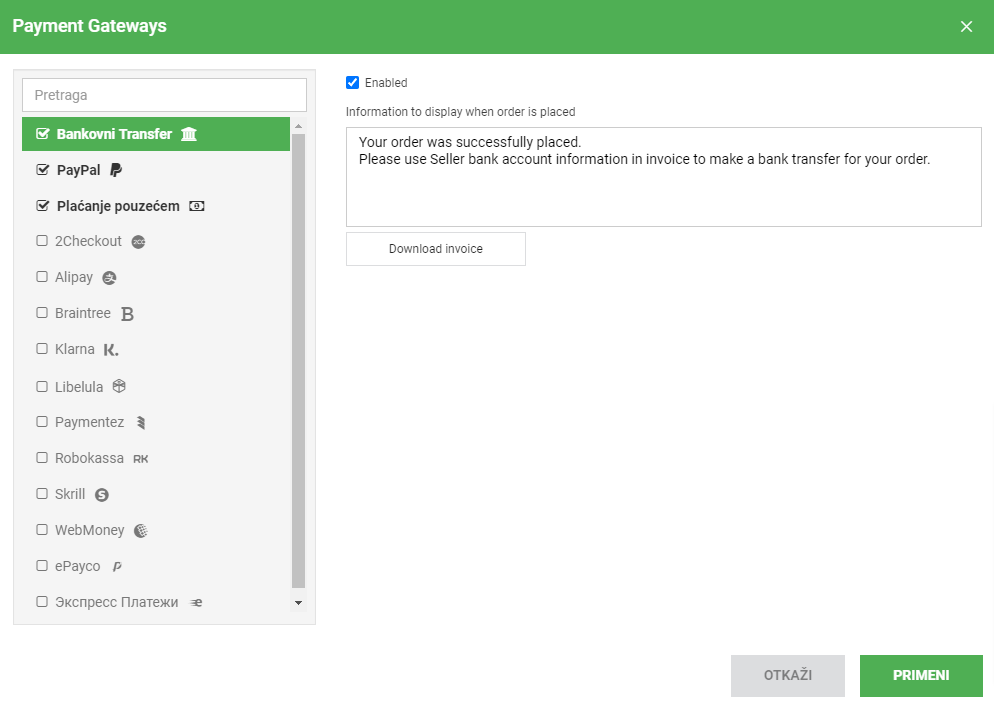
Here we can see the options that are available. As you can see, it is not possible to connect with local banks in our country, but there are payment services everywhere in the world. If you want to implement card payment, there is PayPal as well as 2checkout (this is a shade more difficult to connect and requires approval from 2checkout).
Also cash on delivery and bank transfer are available as ticked.