Thank you for using this guide because it frees up support to help someone who has no option or needs other help.
- What is the client panel and what is it for?
- What is the difference between client panel and cPanel?
- How to access the client panel?
- Login
- Login errors
- Password reset
- Unknown email address
What is the client panel and what is it for?
The client panel is a part of the site reserved for clients who have at least one active service. There you can change the payment period of the service you have. You can create a separate account or combine several services with different expiration dates into one account, you can upgrade or downgrade your package, include additional options or turn them off, and much more.
What is the difference between client panel and cPanel?
Client panel controls accounts and manages package and domain. cPanel manages the site and the hosting account itself. If you need an option to change the website or email, then it's cPanel, and if you need a package upgrade, then it's the client panel.
How do I access the Client panel?
Access the client panel by clicking on the icon in the menu as shown in the image below:
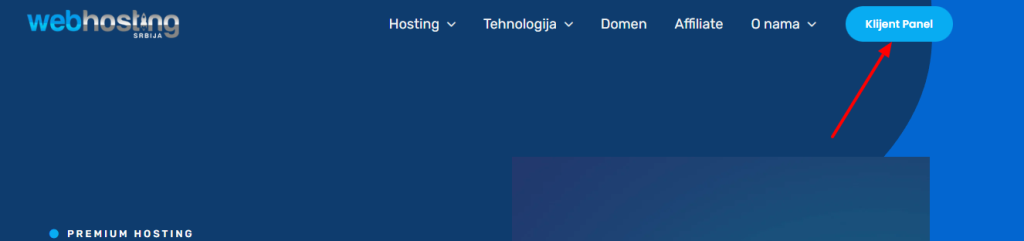
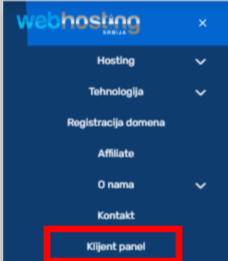
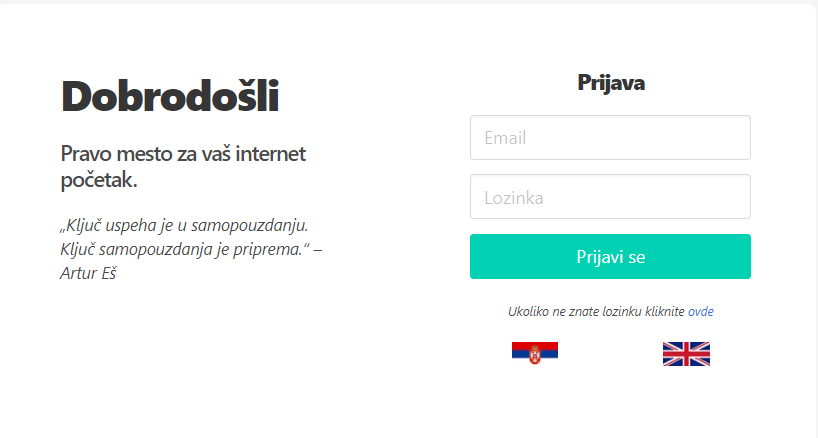
By clicking on the icon shown in the picture, you get access data entry as in the picture below:
Login
Login data on the client panel are email address and password. When you placed your order, you received this information, it was automatically sent to you in the same seconds as the payment information (this account is created during the first order).
Login errors
If you try to log in and the data is not correct, you will receive a message that it is not correct. The solution is to reset your password.
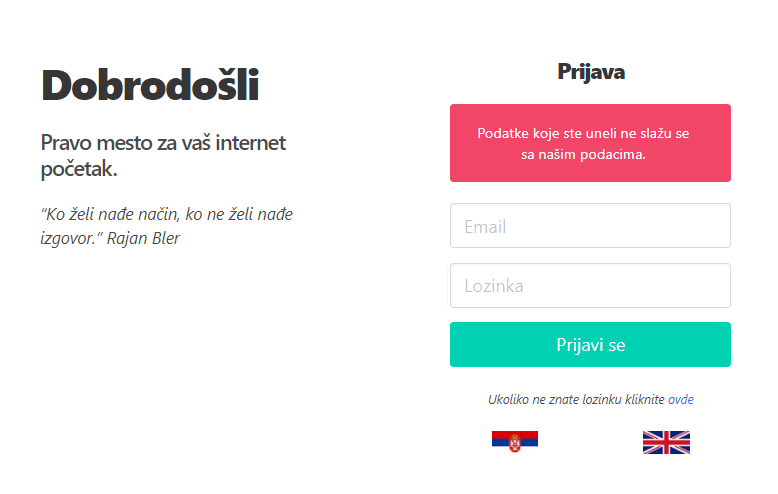
If you entered an email address that you did not order with (this is very important), then the system will not be able to find your account. You access with the email address with which you ordered, to which you received the payment information and to which you received the notification about the expiration of the hosting/domain.
Password reset
The email address you need to enter is the one with which you ordered hosting/domain with us and to which you received payment information and to which you receive payment information, i.e. renewal.
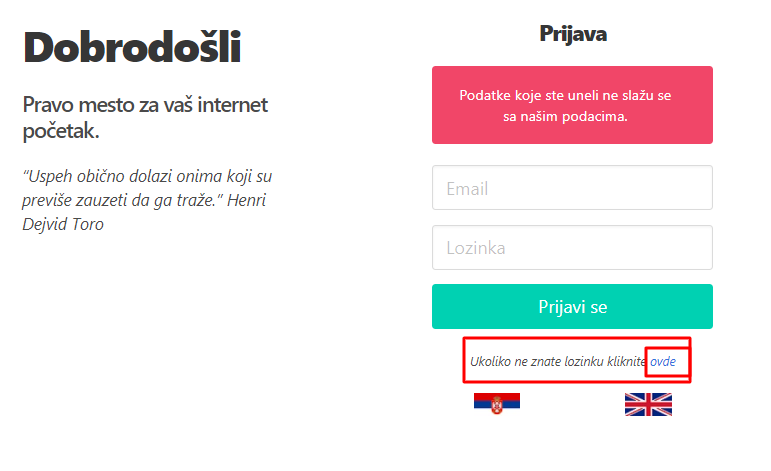
To reset your password, you need to click on the reset button as shown in the image below.
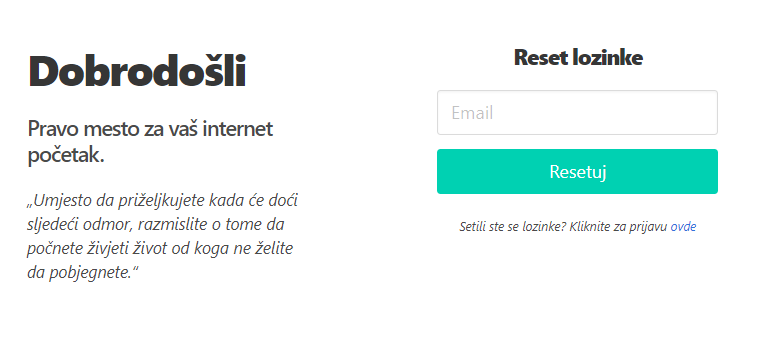
Now a page will open where you enter your email address and a password reset link will be sent to you which you need to click.
After you enter your email address and click Reset. You will receive an email as in the image below:
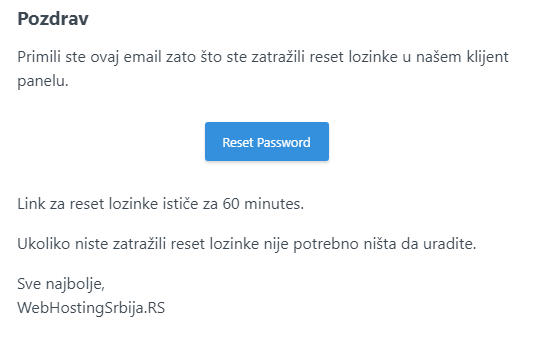
Click on the Reset password button and it will take you to the page for entering a new password.
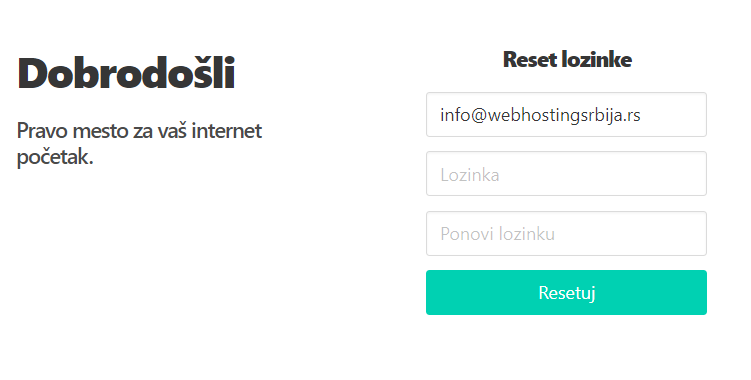
After that, it will take you back to the login page where you can login with the password you entered.
Token expired/invalid
If this is the case, it means that you probably clicked the reset button several times, so the system sent you several reset emails and you click the Reset password button on the last email and then it will work.
I don't know what is the email address for access?
In this case, you need to contact the support for help and they will give you help in the form: dj*ic@gmail.com where the asterisk changes one or more characters.
We cannot post the entire email address because that violates the user's privacy.
The email address with which I ordered is no longer functional (I have no access)?
In this case, you need to send us an email from a new email address with the following information:
A picture of your ID card (you can hide the ID number, the first and last name is important to be visible). If you have a picture of the payment slip with which you paid for the hosting/domain. Your address because you also entered the address when making the payment.
Email text: Please give me access to the client panel, I no longer have access to the previous email address (specify the old email address or the service domain or the main domain from hosting), switch to the new email address from which I am writing to you.
After we verify the payment and if it matches your first and last name and address you will get access.
Unless you paid?
If you didn't pay and you don't have access to the email address, you have to contact the person in charge of it because otherwise we can't give you access. So anyone could then request access to any account.