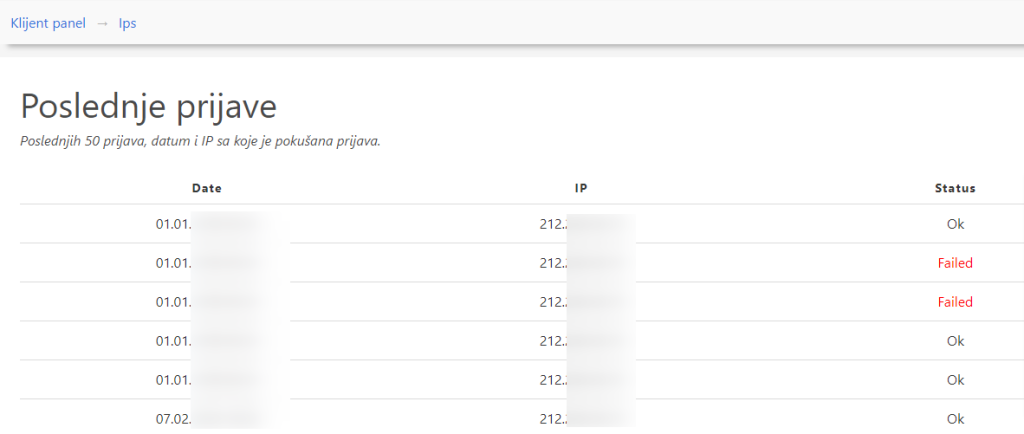
As security is crucial for any business, so is hosting. Since we implemented 2-step verification right from the start, we considered that it would be desirable to see all successful and unsuccessful applications in the client panel itself.
How do I see all applications?
First of all, it is necessary to log in to the client panel (successfully 🙂 )
After that you will see a button next to your name "Edit Profile"„

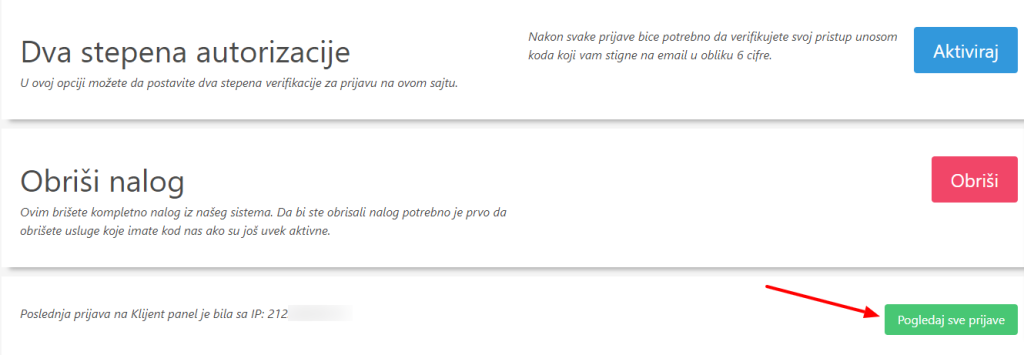
After that at the bottom you will see to view the last login and a button to see the list of IP addresses.
And finally a list of IP addresses with all reported and failed attempts.