Creating posts on any social network is a challenge, not only do you need to create a text part that should be short but striking, but you also need to draw attention to that text part, and this is done using a graphic element, which is an image. No matter how you post as a link to your site or upload an image with text, there is always the part of how to make that image look, and you don't really have knowledge of Photoshop or any other graphics program.
Solutions like pait or anything like that only have a counter effect so in that case don't even bother.
Note: We are in no way affiliated with this site or have any contact. This is just our recommendation in a bunch of similar sites so you can make it easier for yourself.
The site we recommend is https://www.canva.com/
It contains a huge number of templates (of course we are talking about the free version, there are also paid ones with many more options, but this is a matter of basic editing).
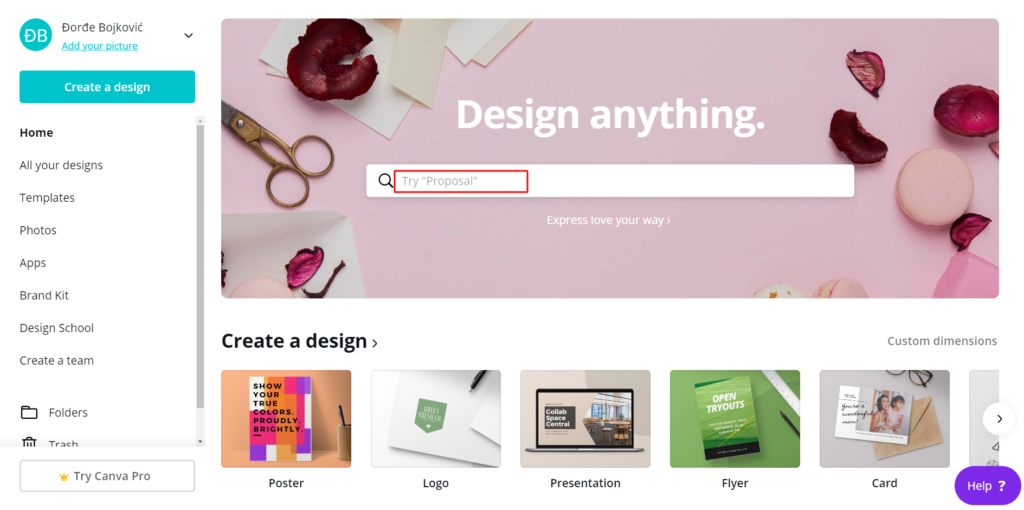
After registration you have a home page where you can type exactly what you need and in our example it is "facebook post"„
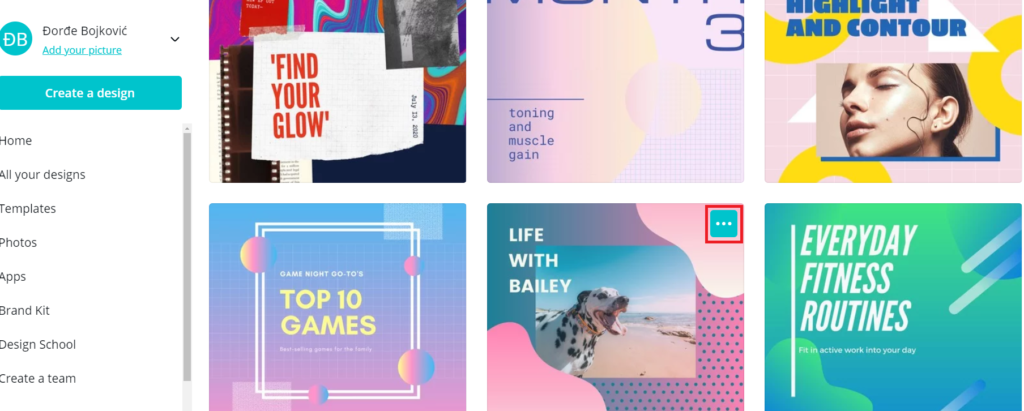
Where they will release a template that you can use for free. With each image, you have three points where you can choose similar models of that template, so click on the one you like more and then confirm on the "Use this template" button that you want to use that template.
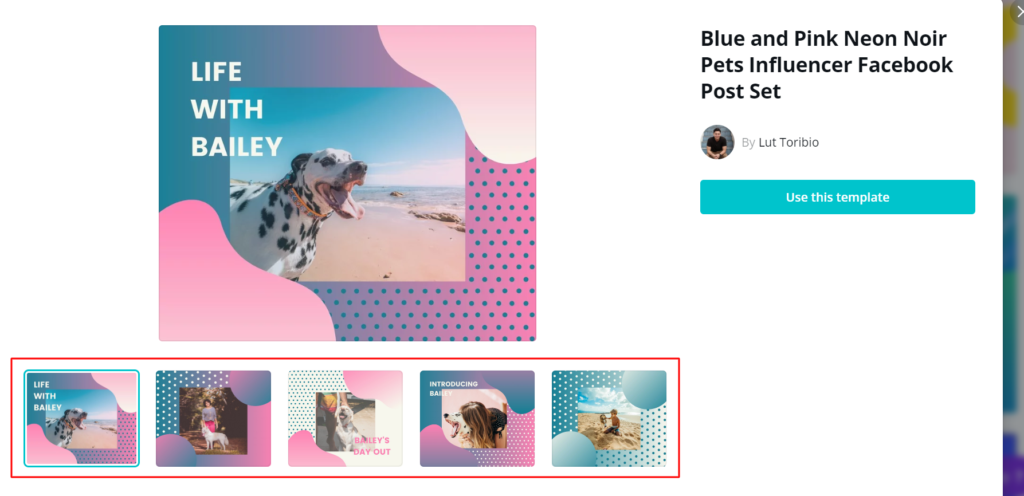
After choosing your template, a new window will appear with the template you selected, you will get a new desktop where you can work, change and add.
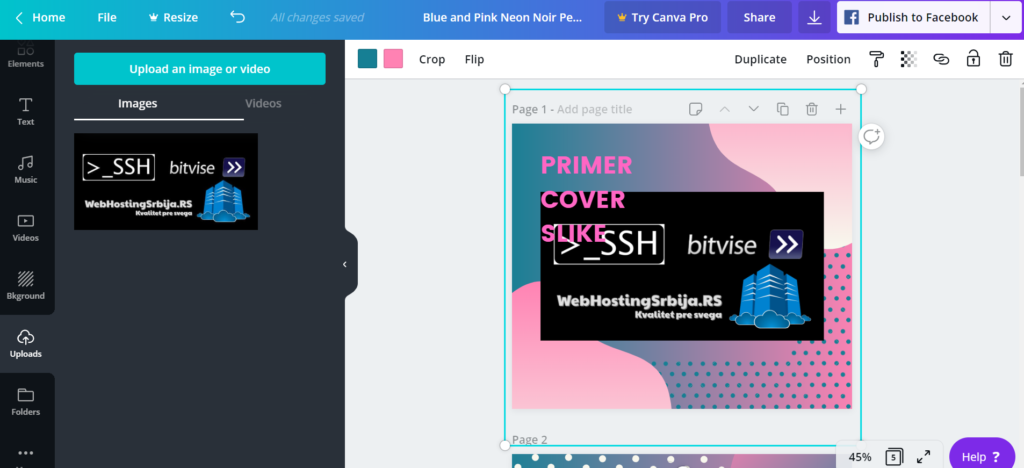
Please note that when selecting images or anything on the left, what is marked with a "crown" or dollar sign "$" is actually premium and you have to pay to use it. What is free has no tag (at least not at the time of writing this article).
You can also add your own images as we did in the example.
OK now you have played and done what you want the only thing left is to download the image and place it on your website article or page post and you can do that by clicking on the arrow next to "publish to facebook".
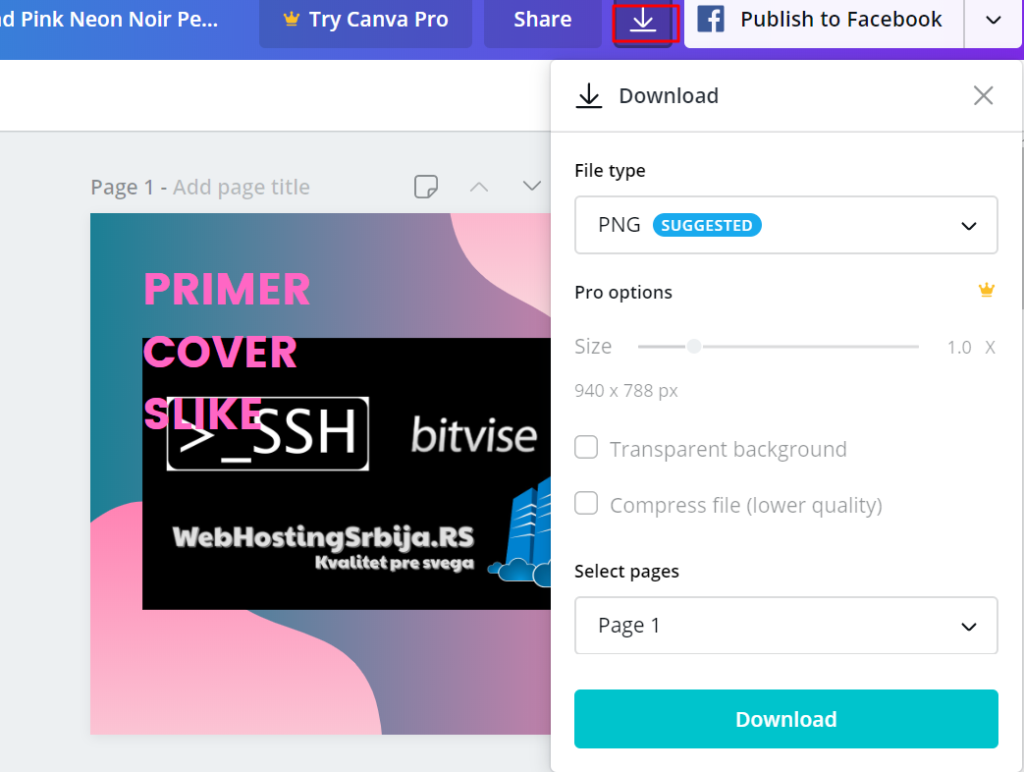
Be careful in this step, if you don't have a single premium image or add-on like ours, only the Download button will appear, and if you have a premium add-on, it will say "Pay and Download" and show you what is premium on the page you are downloading.
Also even though premium by default is free to use as in our example it may contain some elements that are premium so they try to persuade you to buy.
Anyway this is a free tool and you can create your own template with free stuff and images and much more just be careful not to use the premium options if you don't want to.
Alternatives to this site
- Stencil
- Snap
- DesignBold
- Crello
- Photographer
- Pictochart
- PicMonkey
Apps like Canva but on a mobile phone
- Designer
- Adobe Spark