
You have installed wordpress using the auto installer but you are not satisfied or you have set something wrong and want to delete the whole wordpress.
You can do this in the same way as the installation.
You log in to cPanel with the information you received from the email.
Then you go to the bottom you find wordpress
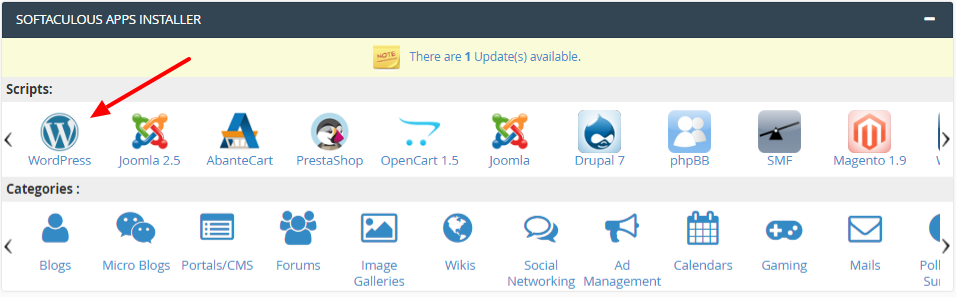
After that, select the 4 icon from the upper right corner

When you click on that and after that a new window will appear where you need to click as in the picture the red X.

And then in the next step Remove Installation and that's it.

