AI chatbot

AI Chatbot Tutorials: Setting Up, Using, and Bot Capabilities.

ai chatbot zastita tab 20260913a Zaštita od zloupotrebe i banovanje posetilaca

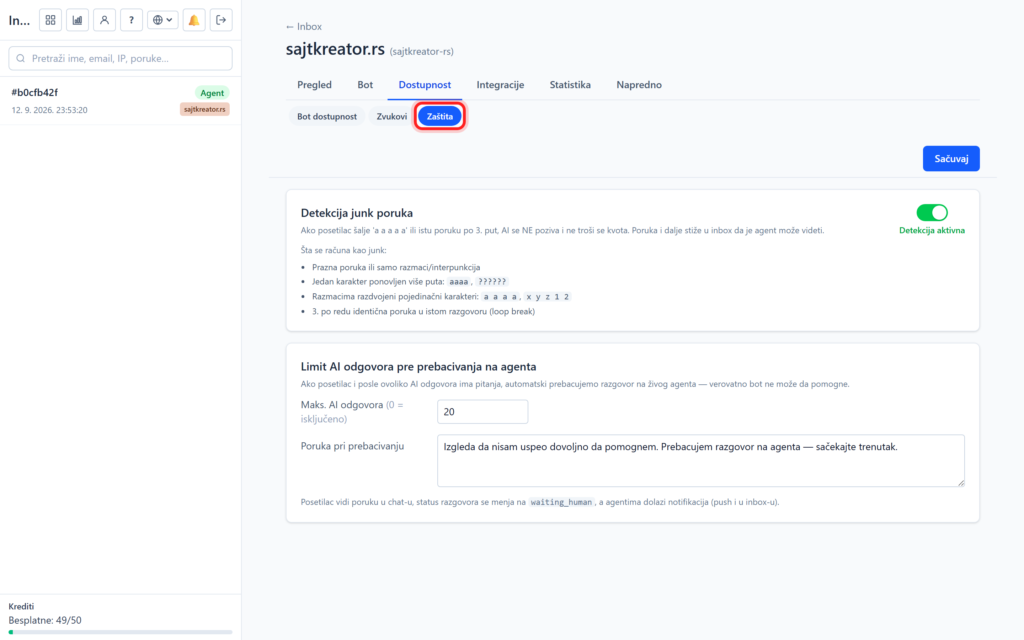
Protection against abuse and banning of visitors

The chatbot has built-in abuse protection that saves your AI quota and prevents chats from getting stuck. It is located in the site, Accessibility tab, Protection subsection, while blocked visitors are taken to the Advanced tab, under Banned. Junk message detection When enabled, the system automatically detects nonsensical messages: empty, only punctuation marks, repeated characters or the same three times

Protection against abuse and banning of visitors Read more »
ai chatbot instagram tab 20260913a Instagram DM: chatbot na Instagram porukama

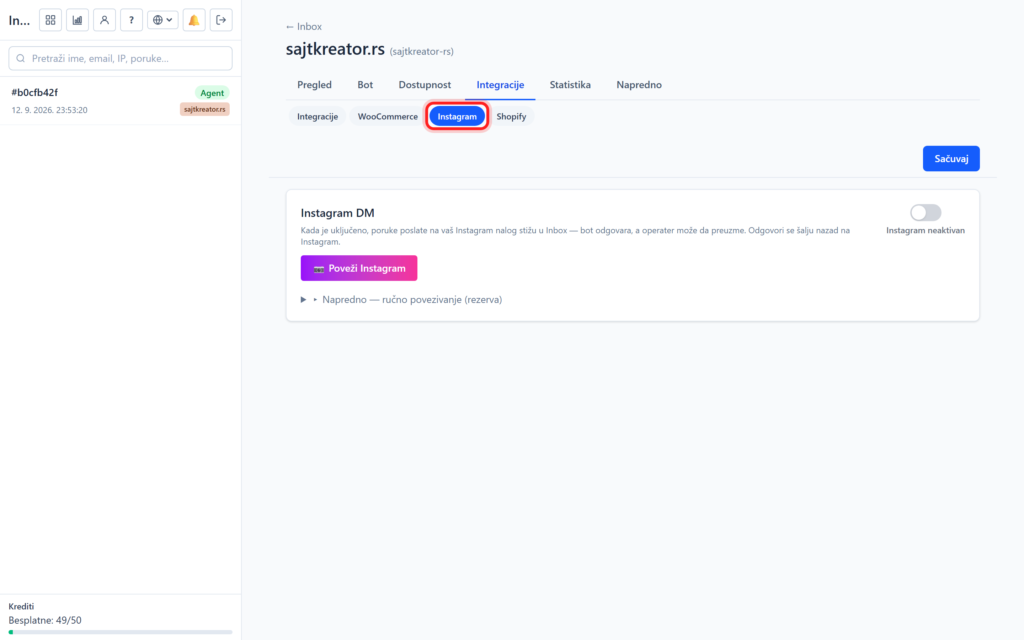
Instagram DM: chatbot on Instagram messages

A chatbot doesn't have to live only on a site. With Instagram integration, the same bot also responds to direct messages (DM) of your Instagram page, and conversations arrive in the same Inbox as those from the site. Instagram DM The connection is made through the site, tab Integrations, subsection Instagram. This is where you connect your Instagram business account, after which the bot can

Instagram DM: chatbot on Instagram messages Read more »

ai chatbot integ tab 20260913a Webhook-ovi i AI alati za AI chatbot

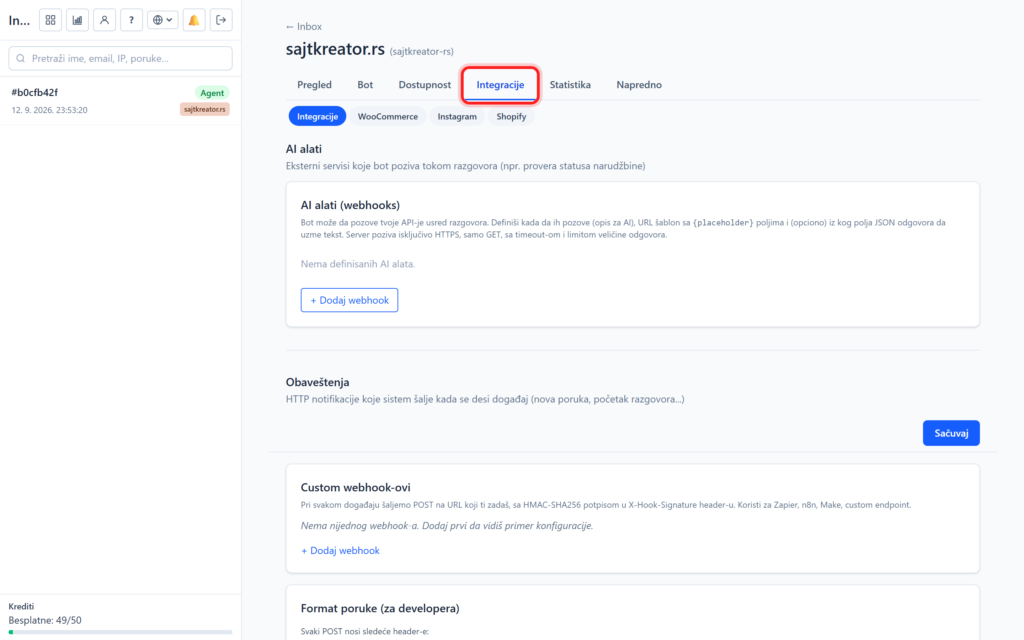
Webhooks and AI tools for AI chatbot

For more advanced users and developers, the Integrations tab offers two powerful tools: AI tools, with which the bot calls your services mid-conversation, and webhooks, with which your system receives event notifications. They can be accessed through the site, Integration tab, Integration subsection. AI tools (bot calls your service) The AI tool allows the bot to call your service in the middle of a conversation

Webhooks and AI tools for AI chatbot Read more »