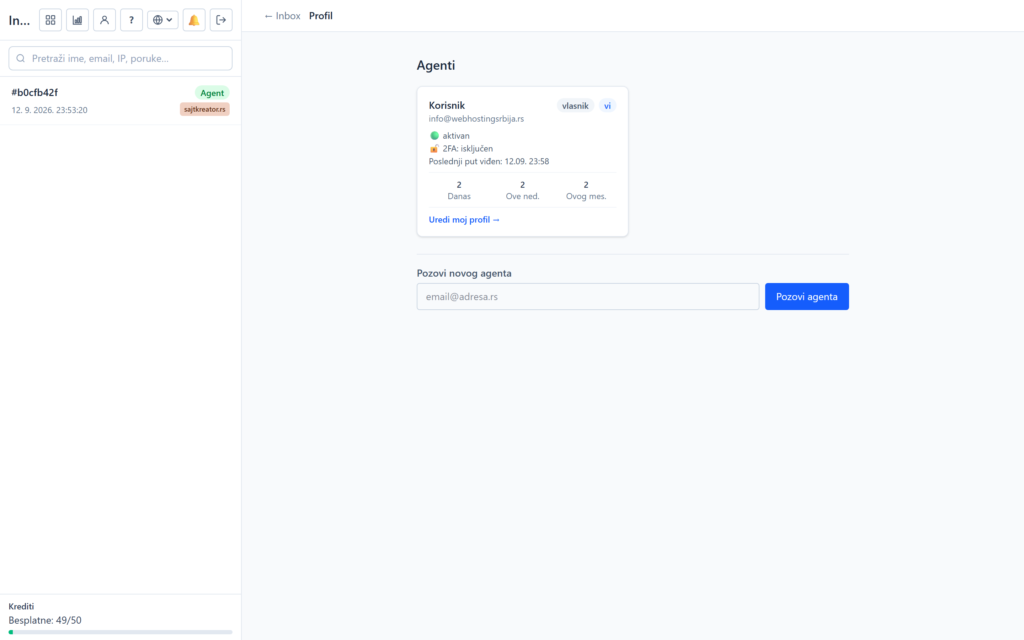
If you have an online store, a chatbot can answer about products and orders by connecting to a WooCommerce or Shopify store. The link is read-only, and the customer's sensitive data never reaches the bot.
WooCommerce
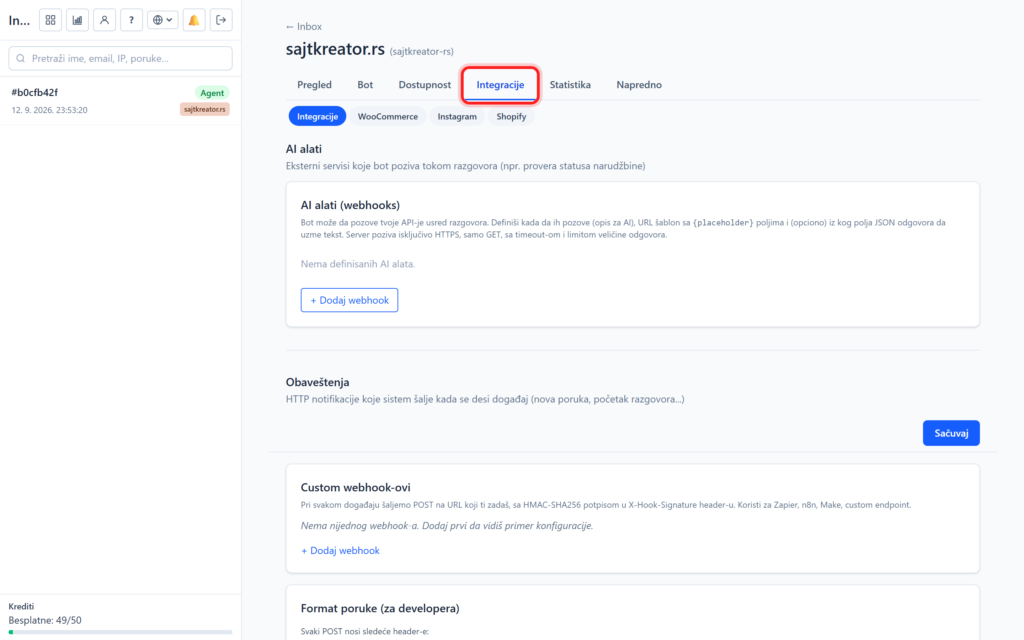
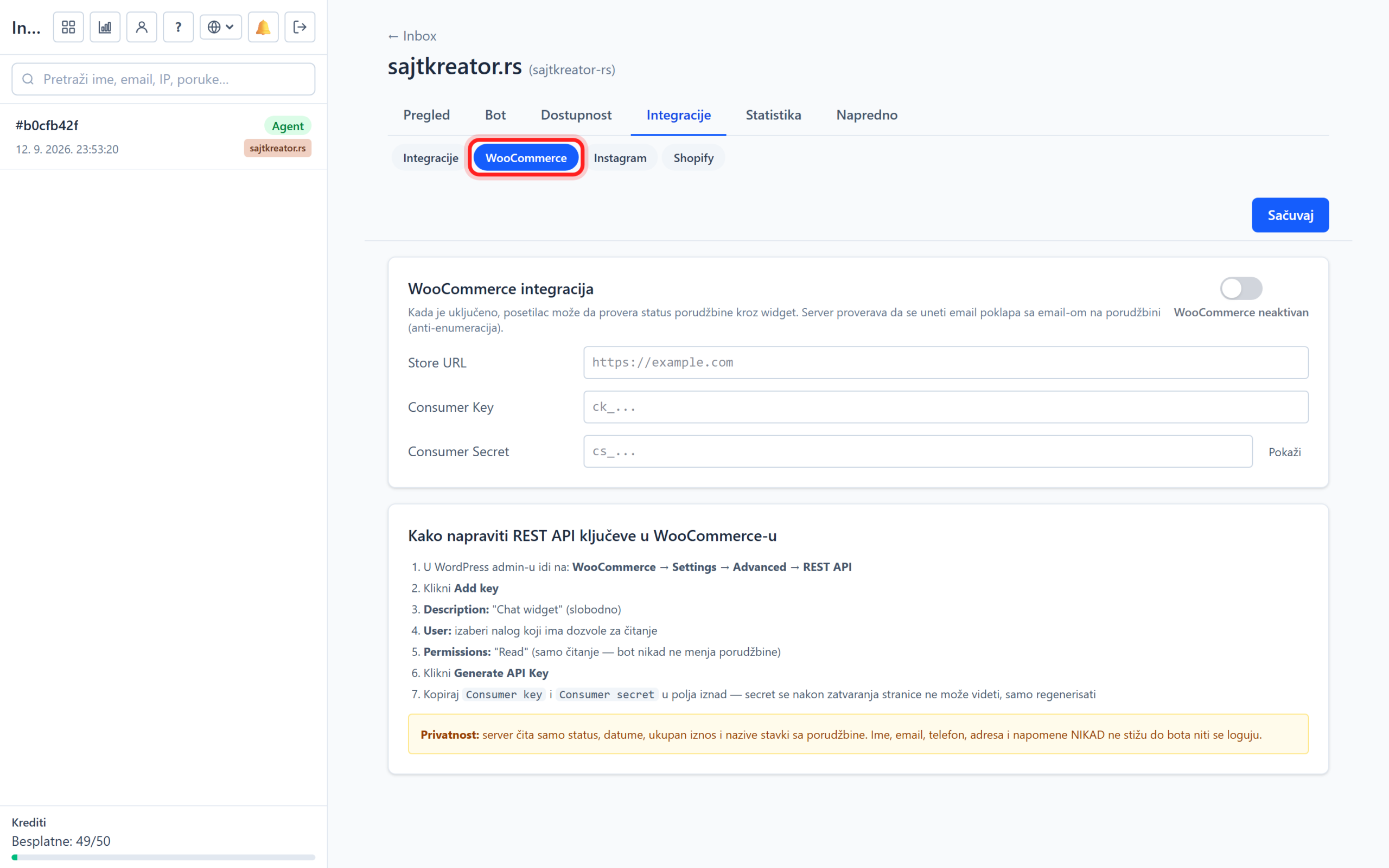
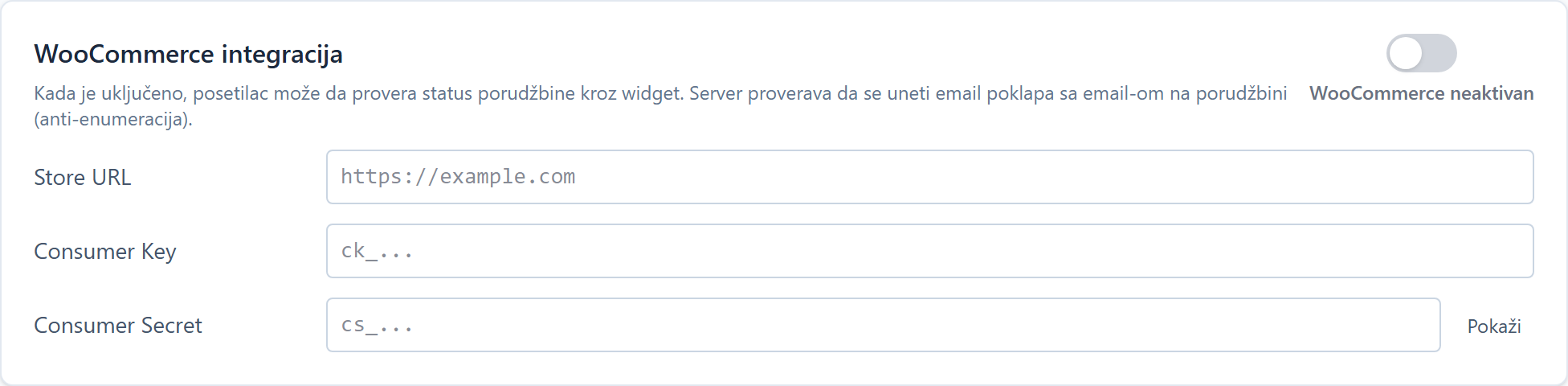
The connection is made through the site, tab Integrations, subsection WooCommerce. Turn on the integration and enter three pieces of information from your store: store address, Consumer Key (starts with ck_) and Consumer Secret (starts with cs_).
Once connected, the bot can search live for products, check price and inventory, and report order status. Important for privacy: the customer's name, email, phone and address are removed before anything reaches the bot, and the customer must confirm that the order is theirs.
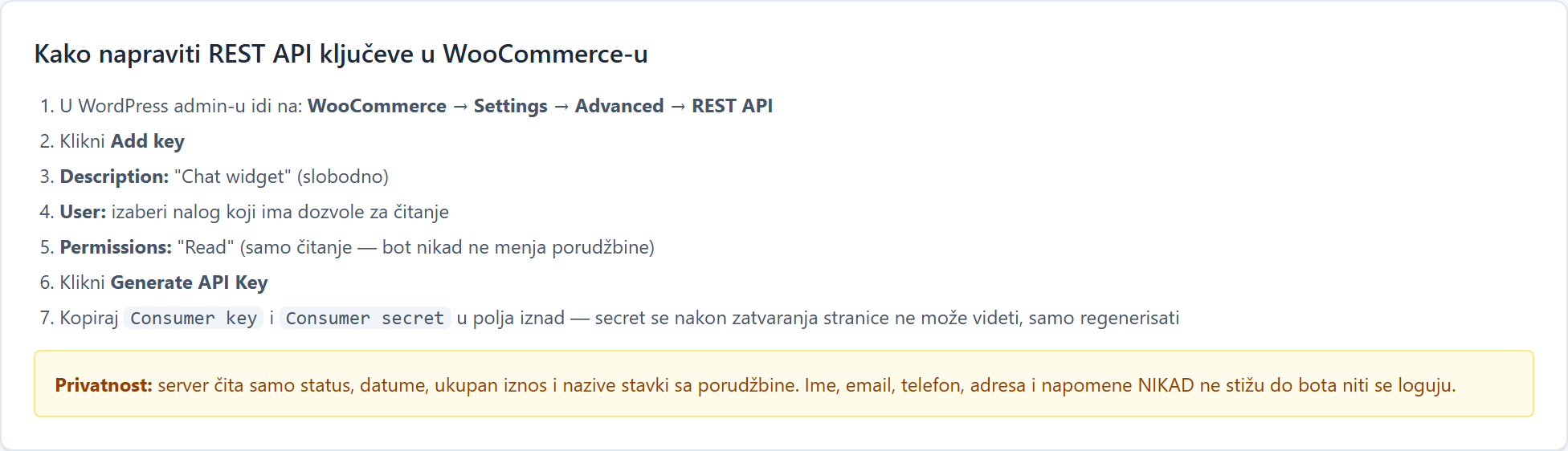
How to create keys in WooCommerce
The keys are created in the store itself, in the WooCommerce settings, in the REST API section. The exact sequence of steps is described on a card in the board itself, so make them in a few minutes and paste them here.
Shopify
For Shopify, the process is the same, in the Shopify subsection. You enter the store domain (form vasaprodavnica.myshopify.com) and the access token (starts with shpat_). The exact steps for making tokens are on the board card.

WooCommerce or Shopify
Only one store integration can be active. If both happen to be on, WooCommerce takes precedence.