
The Bots section shows how much of your traffic comes from real people and how much from automated bots and crawlers, and lets you block those that are just wasting your resources.
1. People vs. bots
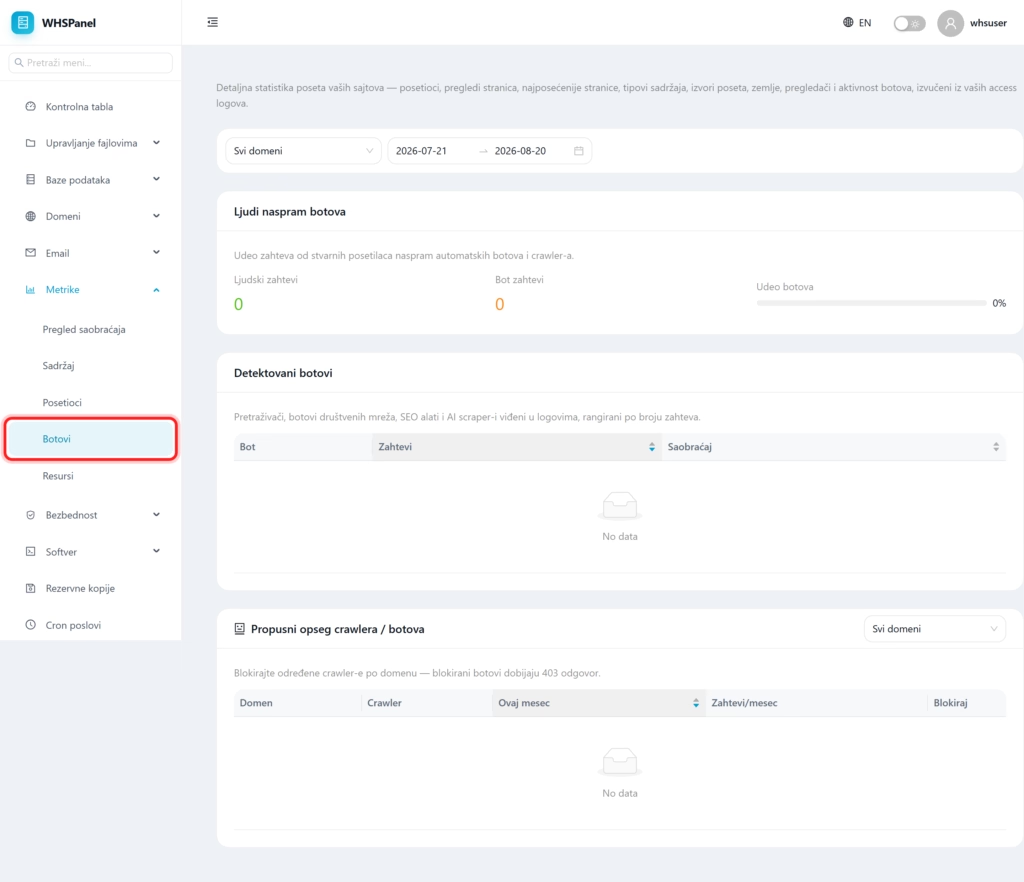
Open in the menu Metrics well Bots. The first view shows the share of requests from real visitors versus automatic bots and crawlers, so you can immediately see how much of the load is made by bots.
2. Detected bots and blocking
Bots detected are search engines, social bots, SEO tools, and AI scrapers seen in the logs, ranked by number of requests. In part Crawler bandwidth you can block certain crawler programs by domain. Blocked bot gets a response 403 and no longer burdens the site.
Note: don't block helpful bots like Googlebot and Bingbot from indexing your site for search. Block aggressive scrapers that generate a lot of requests and bring neither visitors nor SEO benefit.
