
Moodle is a popular platform for online learning (courses, trainings and schools). In WHSPanel, you can install it in a few clicks, without manually setting up the database and files.
1. Overview
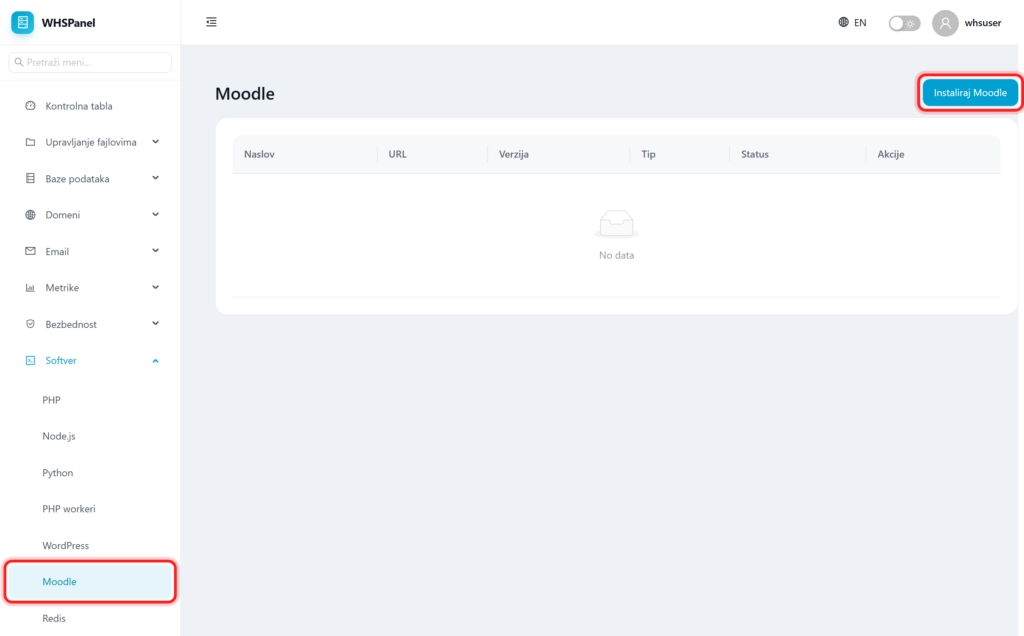
Open in the menu Software well Moodle. The table shows installed Moodle sites with title, address, version and status.
2. How to install Moodle
- Click Install Moodle.
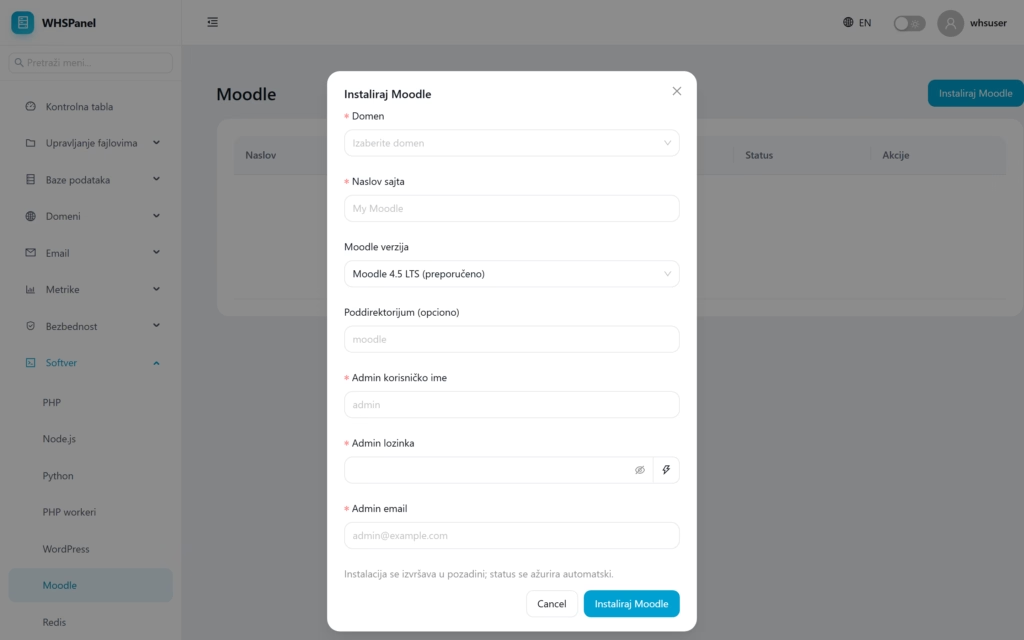
- Domain and Site title.
- Moodle version (eg 4.5 LTS, recommended).
- Subdirectory (optional): leave blank so that Moodle is on the main domain, or enter eg
coursesto be at the address domain/courses. - Admin username, Admin password and Admin email.
- Click Install Moodle. The installation runs in the background and the status is updated automatically.
Note: for serious use, choose the LTS version, as it has the longest support and fixes. Moodle is more demanding than a regular site, so monitor resource consumption (part of Metrics) if you expect a larger number of students.
