
Folder Privacy locks a folder on your site so that anyone who tries to open it in a browser is prompted for a username and password (HTTP Basic authentication). It is useful for test versions of the site, admin area or any content that you want only certain people to see.
1. Overview
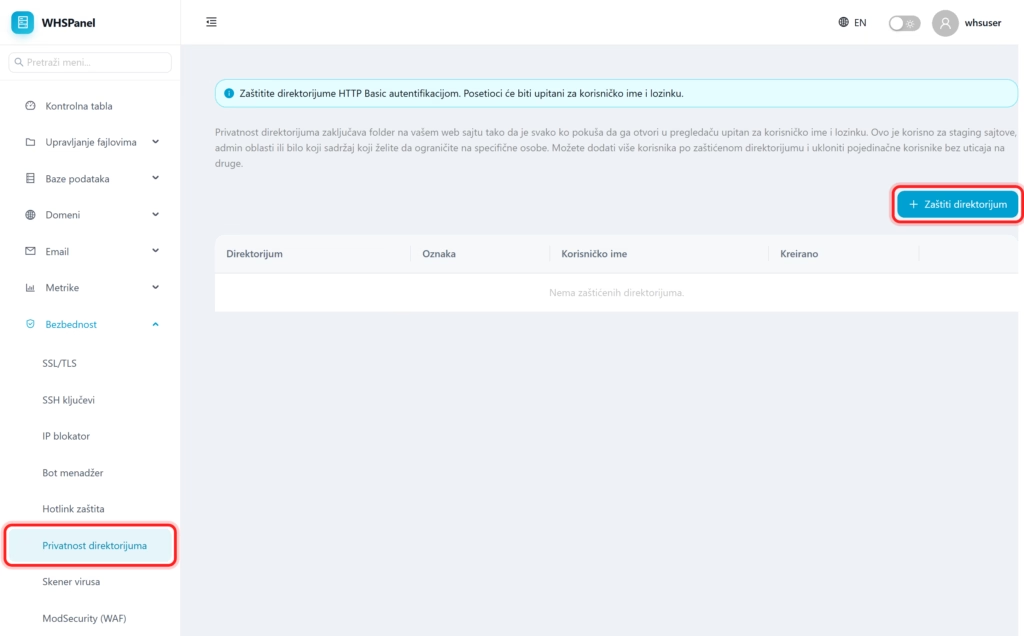
Open in the menu Security well Directory privacy. The table shows all protected folders with a label and username.
2. How to protect a folder
- Click Protect directory.
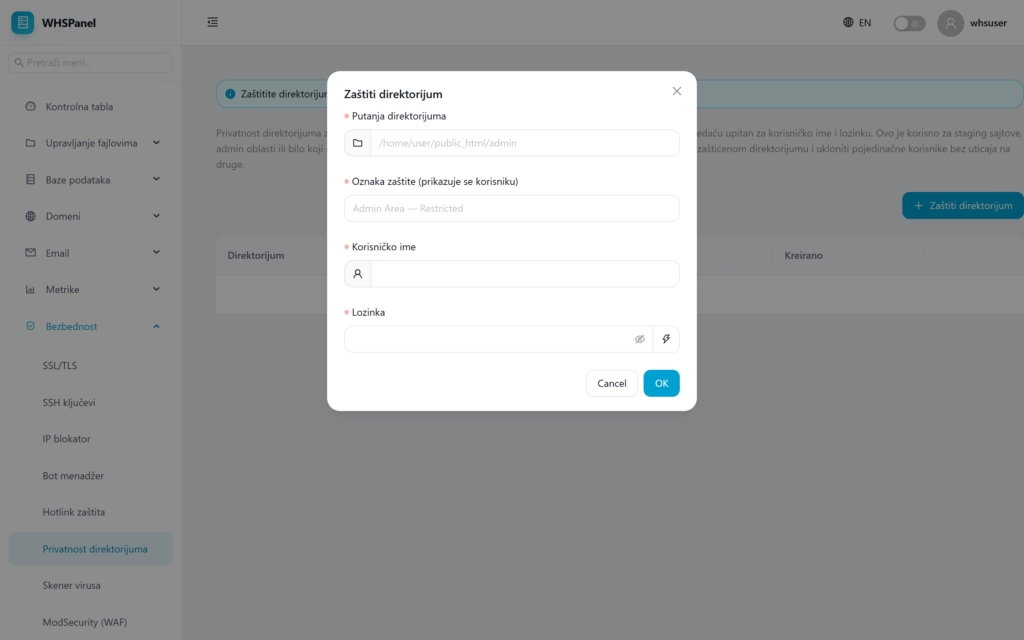
- Directory path: the folder you are locking (eg
/home/user/public_html/admin). - Protection label: the message the visitor sees in the login window.
- Username and Password for access.
- Click OK.
You can add multiple users to the same protected directory and remove individual users without affecting others.
Note: this is server-level protection, independent of any CMS (it works before WordPress or another application even loads). It is ideal to hide the staging (trial) version of the site from the public and search engines.
