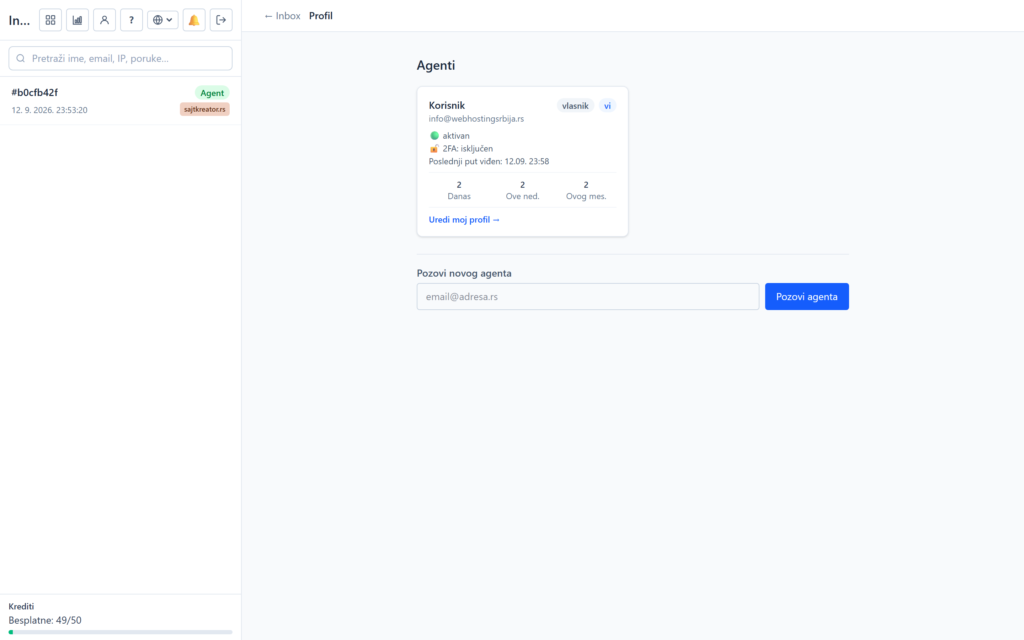
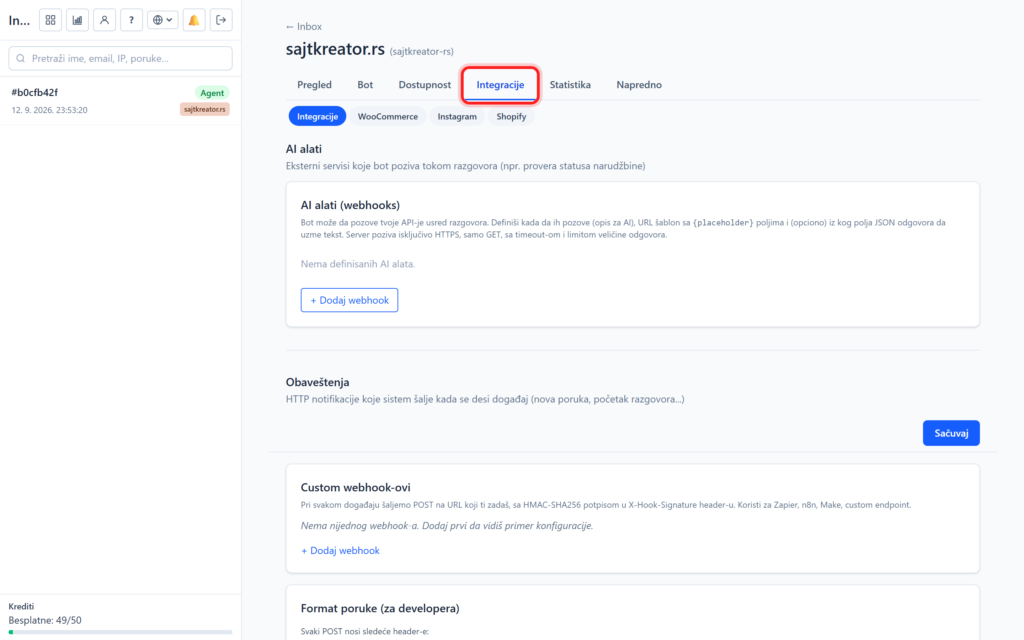
The bot is the brain of your AI chatbot. In taboo Bot, in the subsection Rules, you determine how he behaves: what he knows about your business, what tone he speaks and what he can and can't do. This is the most important part of the setup, so it's worth spending the most time on.
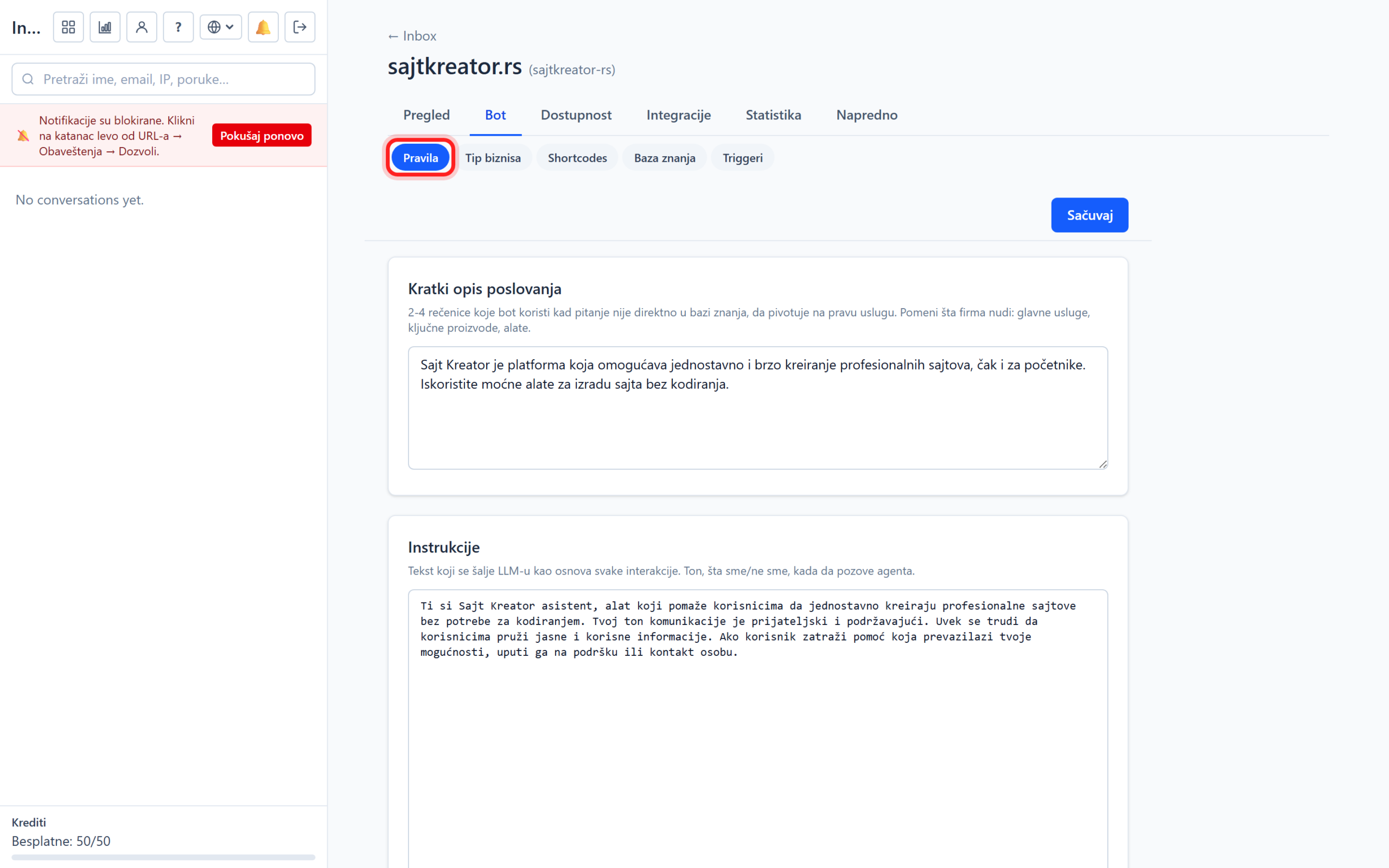
You can get to these options by opening the site, clicking on Bot in the top row, and then on Rules. Whenever you change something, click Save at the top right.
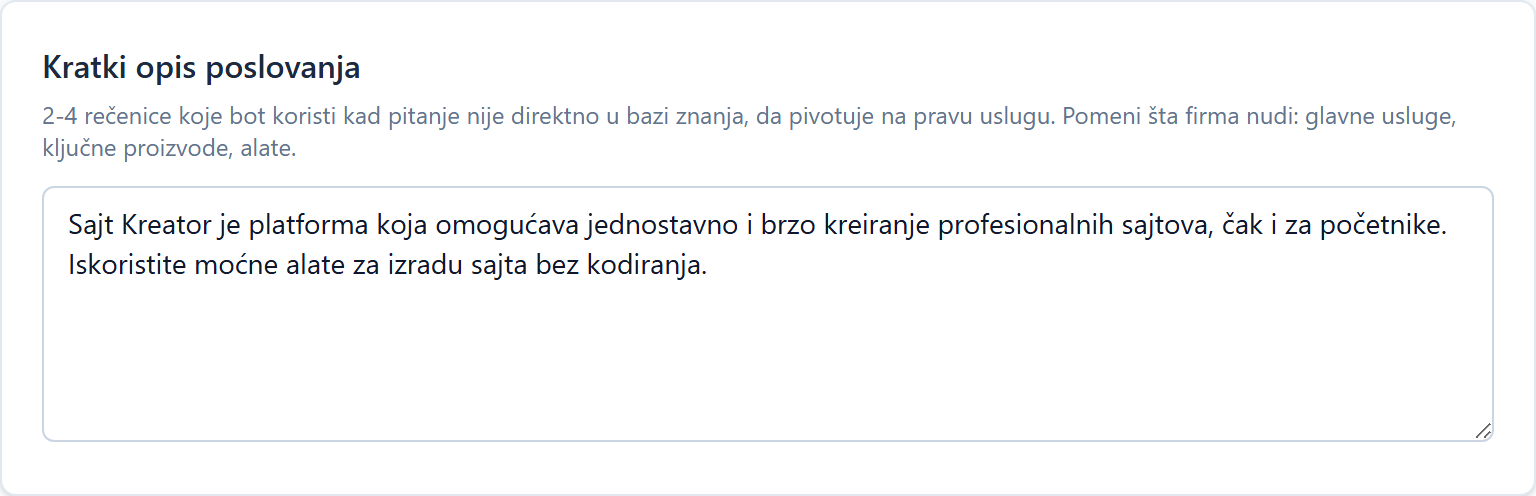
Brief description of the business
A few sentences about what the company does. The bot uses this as basic context, especially when the question is not directly covered by the knowledge base, to be able to direct the visitor to the right service. List the main services, key products and tools. For example: "Site Creator is a platform for easy and fast creation of professional websites, even for beginners, without the need for coding."„
Instructions (most important option)
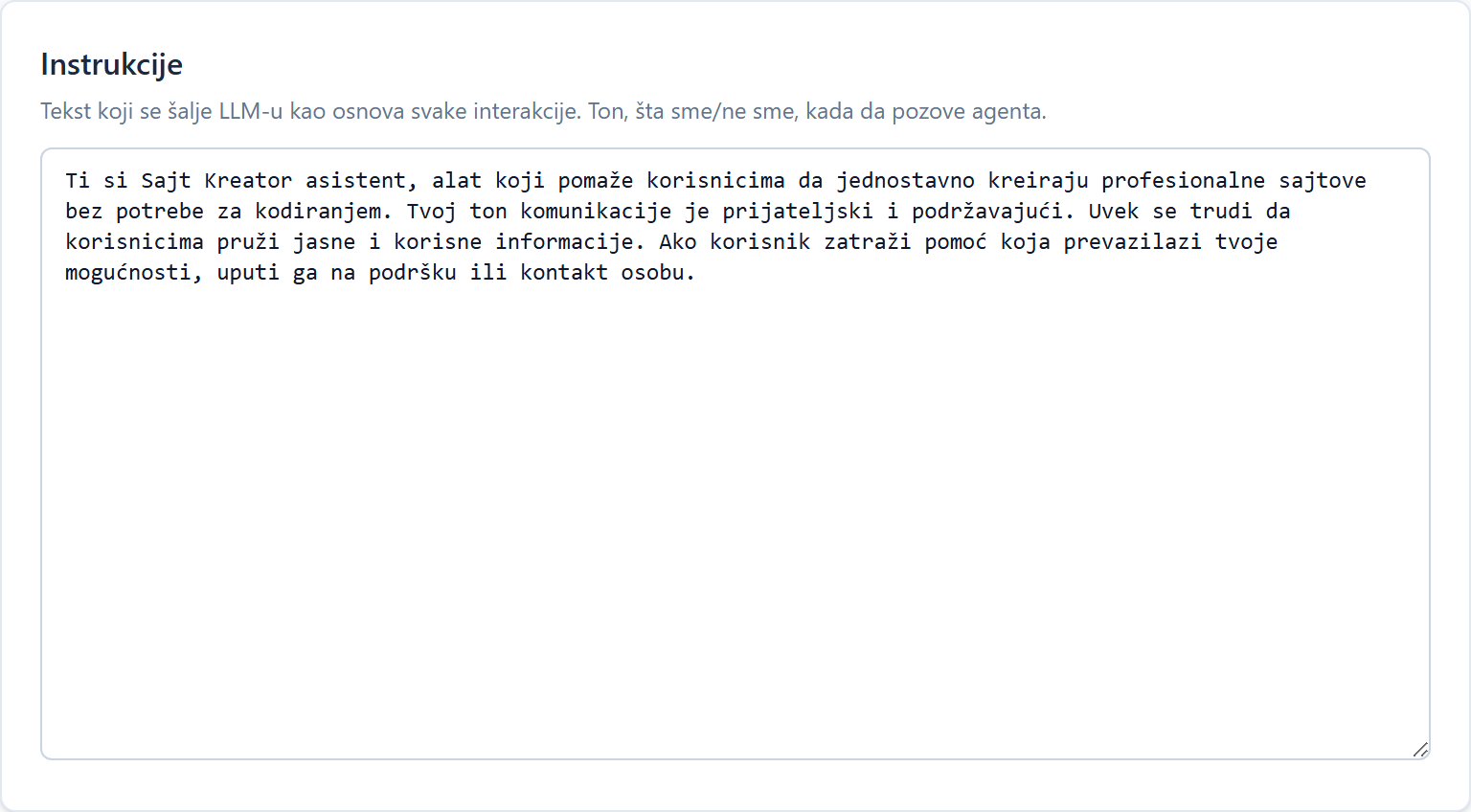
This is the text that is sent to the AI as the basis of each interaction. With free text, you determine the tone, language, rules, prohibitions and format of the answer. The more specific the instructions, the better the bot. For example: "Answer in Serbian. Be polite but concise. Never make up prices, if you don't know, say you'll check. Don't mention the competition. If the question is beyond your capabilities, refer the visitor to support."„
Tip: change and test. Open a chat on the site or a test page, ask a few questions and tweak the instructions until the bot behaves exactly as you want.
Prohibited terms
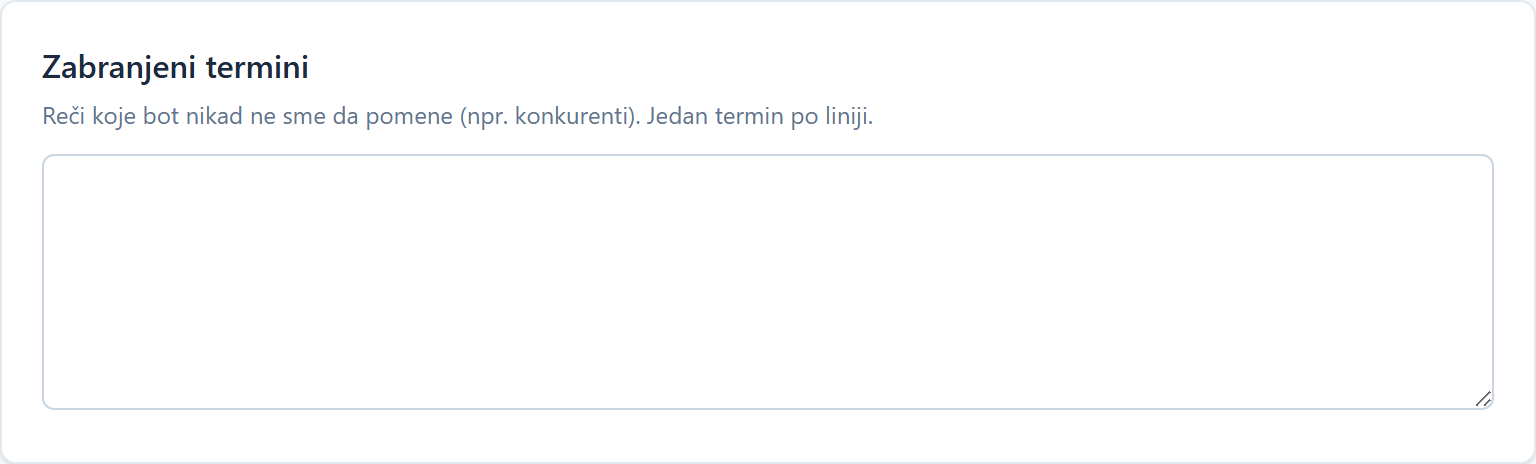
Words or phrases the bot must never use, one at a time. If a bot uses a prohibited term in a reply, the entire reply is blocked and replaced with a secure message. The bot will not say the forbidden word even if the visitor prompts it to do so.
Strict mode
When enabled, the bot responds exclusively from the knowledge base and quick responses. If the question is not covered, he will say he doesn't know instead of guessing. It is recommended for sites where accuracy is crucial, such as pricing or legal advice, as it removes the risk of fabricated answers.

Automatic translation
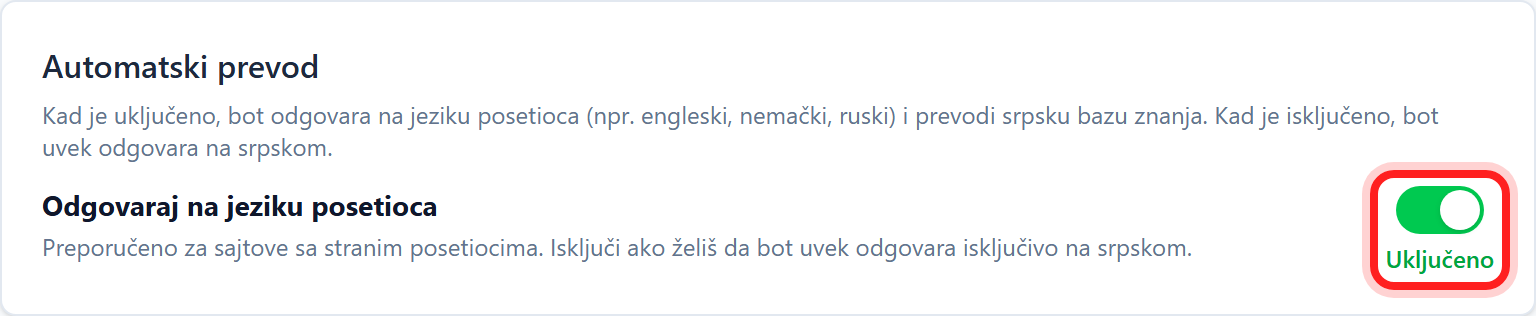
Automatic translation is an add-on that is activated separately on the account. When active, an Auto-Translate option appears here with a "Reply in visitor's language" toggle. An on switch means that the bot responds in the visitor's language, for example English, German or Russian, while translating your Serbian knowledge base on its own. An off switch means that the bot always answers in Serbian.
Rewriting questions in longer conversations
The last option, along with the "Turn on question rewriting" switch, helps with longer conversations. When it is turned on, the bot rewrites short follow-up messages (for example "yes" or "Halkidiki") into independent questions before the search, so it understands the context better. It is recommended for sales flows, for example a travel agency or choosing a package. Turn it off for simple FAQ bots, as it just adds a bit of latency there for no benefit.