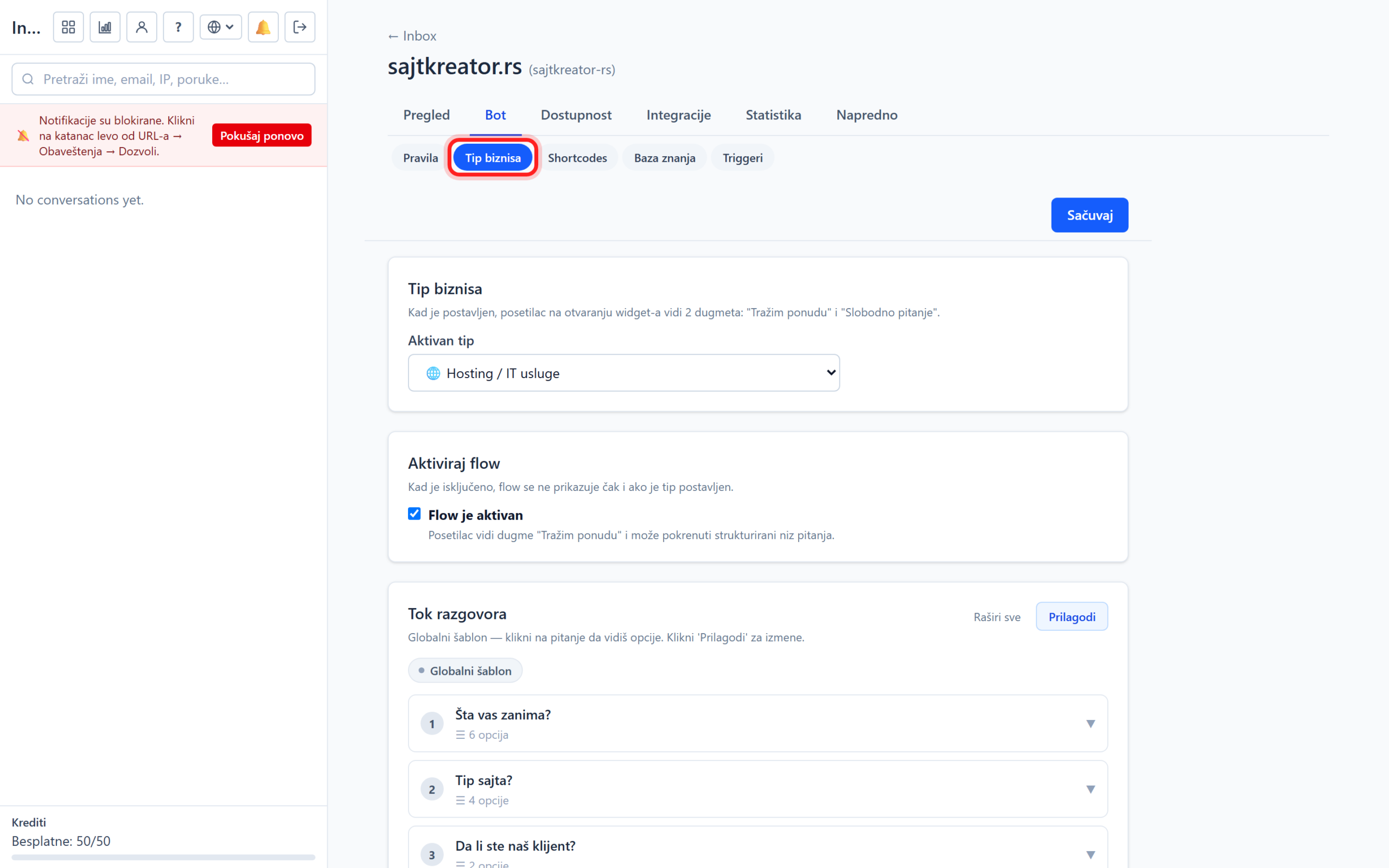
The business type gives the bot a ready-made, structured conversation flow tailored to your business. Instead of the visitor immediately typing the question, the bot offers him buttons for quick selection at the beginning, so the conversation is faster and more precise. The options are accessed through the site, tab Bot, subsection Business type.
Choosing a business type
From the drop-down list, you choose a ready-made type, for example a travel agency, restaurant or shop, or a no-flow option for a completely free conversation. Each type comes with pre-prepared questions and buttons. The visitor then selects an answer by clicking instead of typing, for example "I'm looking for a quote" or "A free question".
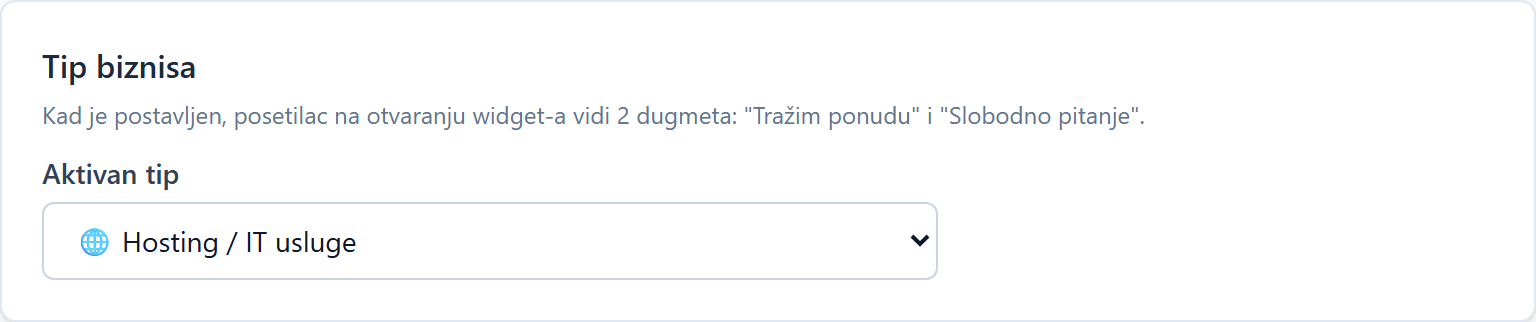
Activate flow
A switch with which you turn structured flow on or off without losing the choice of business type. When turned off, the bot has a free conversation even though the type is selected. Handy when you just want free chat temporarily.

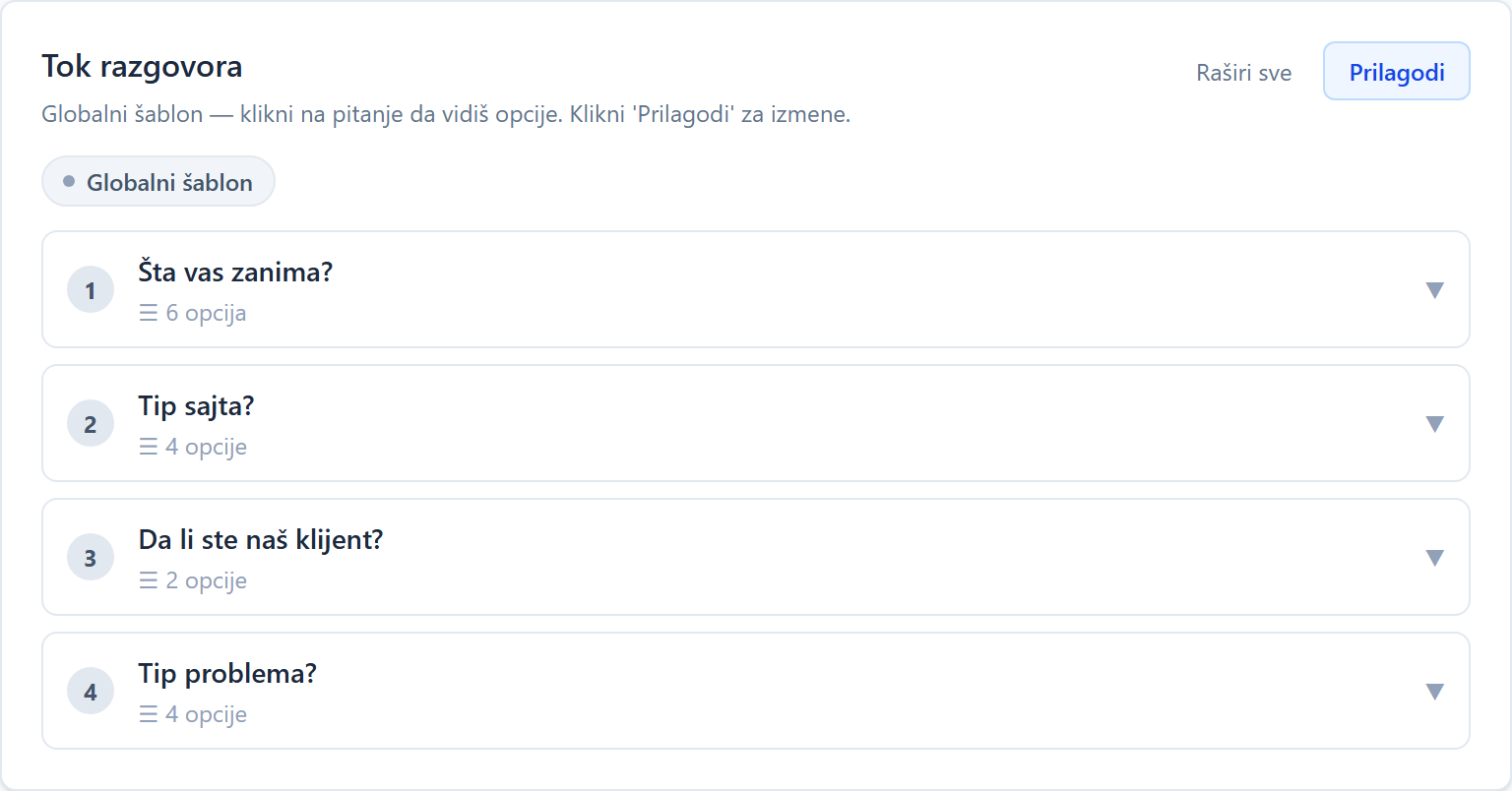
Flow of conversation and adapting questions
Here you see the questions the bot asks at the beginning. By clicking on Customize, you open the editor where you can change the text, type (buttons, number, date or contact form), offered options and order for each question. The "Revert to Global" option resets the questions to the default for that business type. Thus, you can completely adapt the flow to your offer.