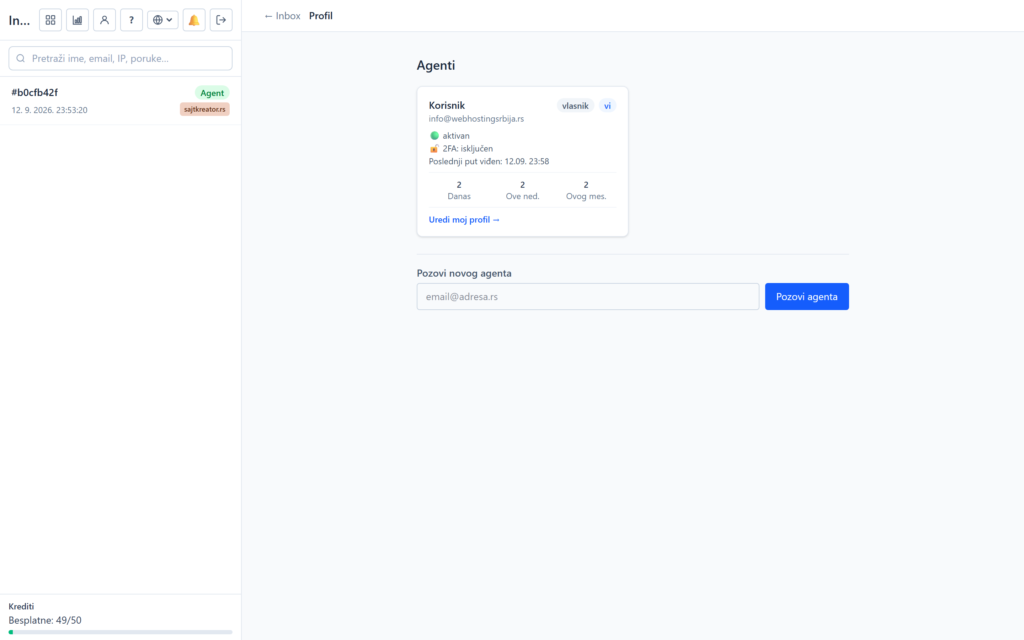
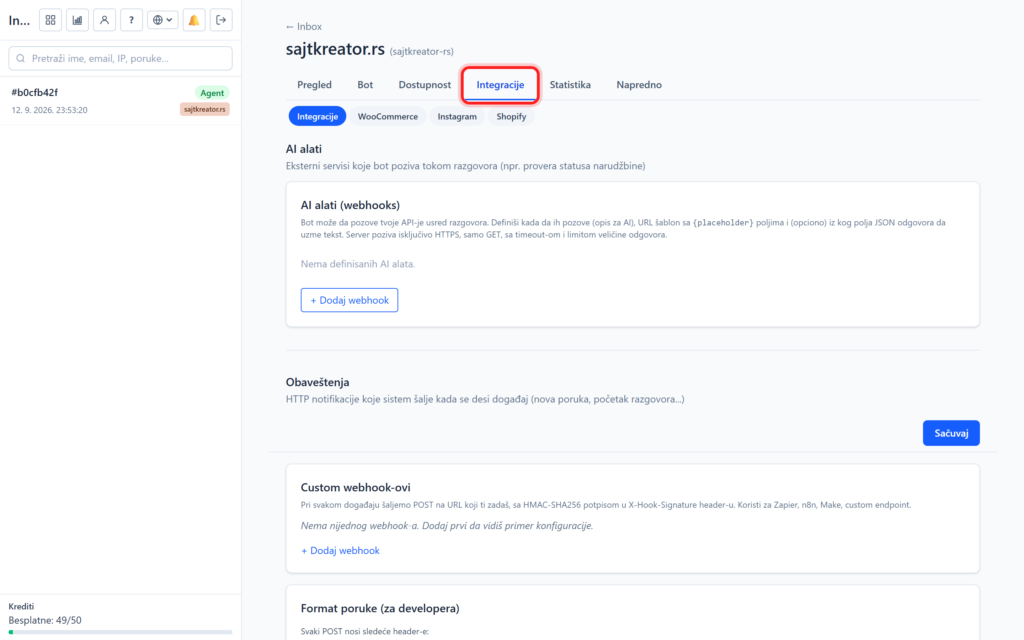
To know how much your chatbot is really helping you, you have two views of the numbers: Statistics for an individual site and Analytics for the entire account.
Site statistics
It can be accessed through the website, Statistics tab. The Activity Overview tab displays four metrics for three periods (today, last 7 days, and last 30 days): Answered (successful bot responses), No Answer (bot didn't know), Transferred to Agent, and Percentage Success.
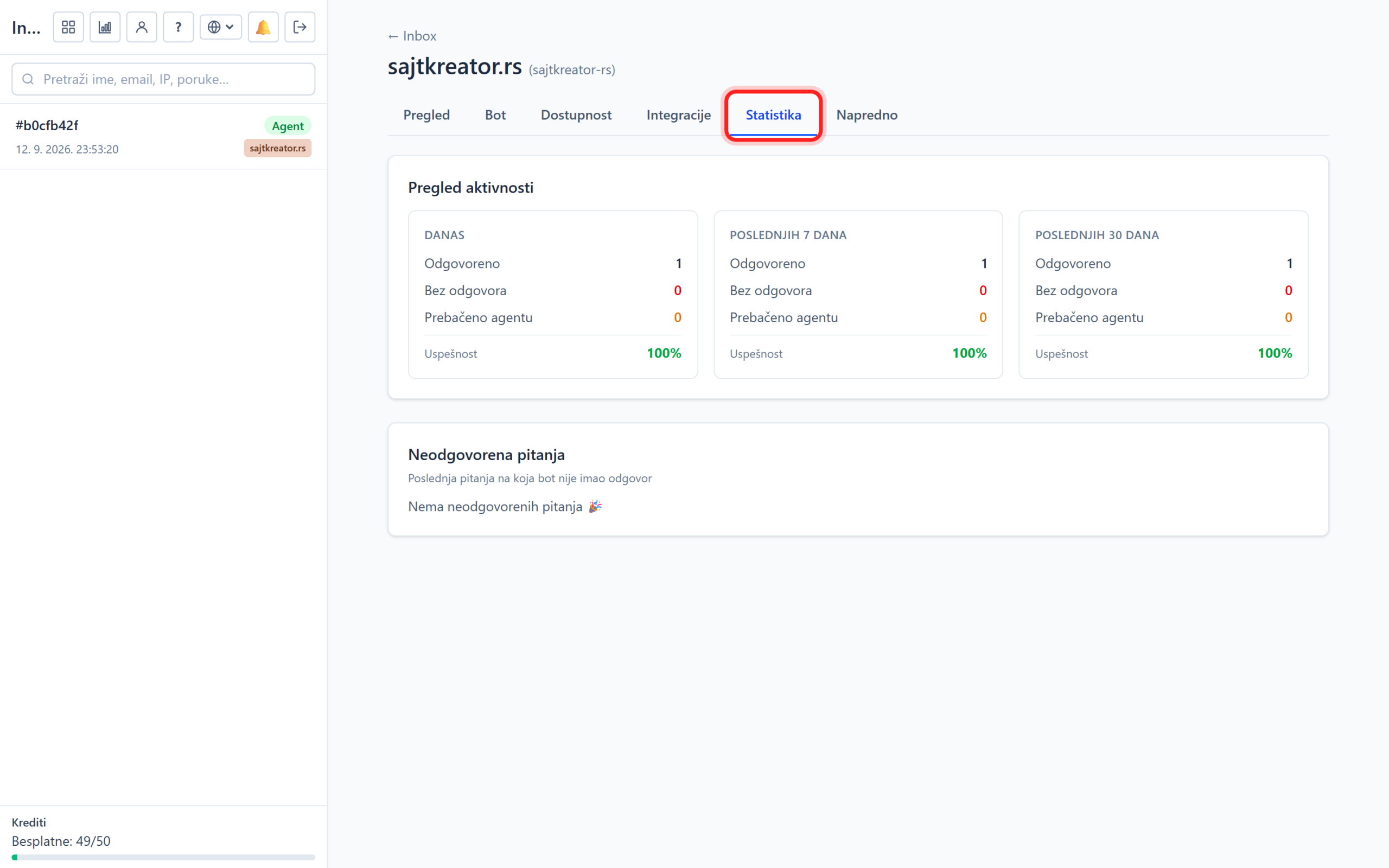
Below that is the Unanswered Questions tab with the last questions that the bot didn't answer. This is a list worth its weight in gold: by clicking on a question, you can immediately make a quick answer, so the next time the bot answers correctly. It is recommended to review it regularly, it is the fastest way to a better bot.
Account analytics
It can be accessed by clicking on the analytics icon at the top of the left column. Here is the combined data for all sites, with a choice of period (24 hours, 7 days or 30 days):
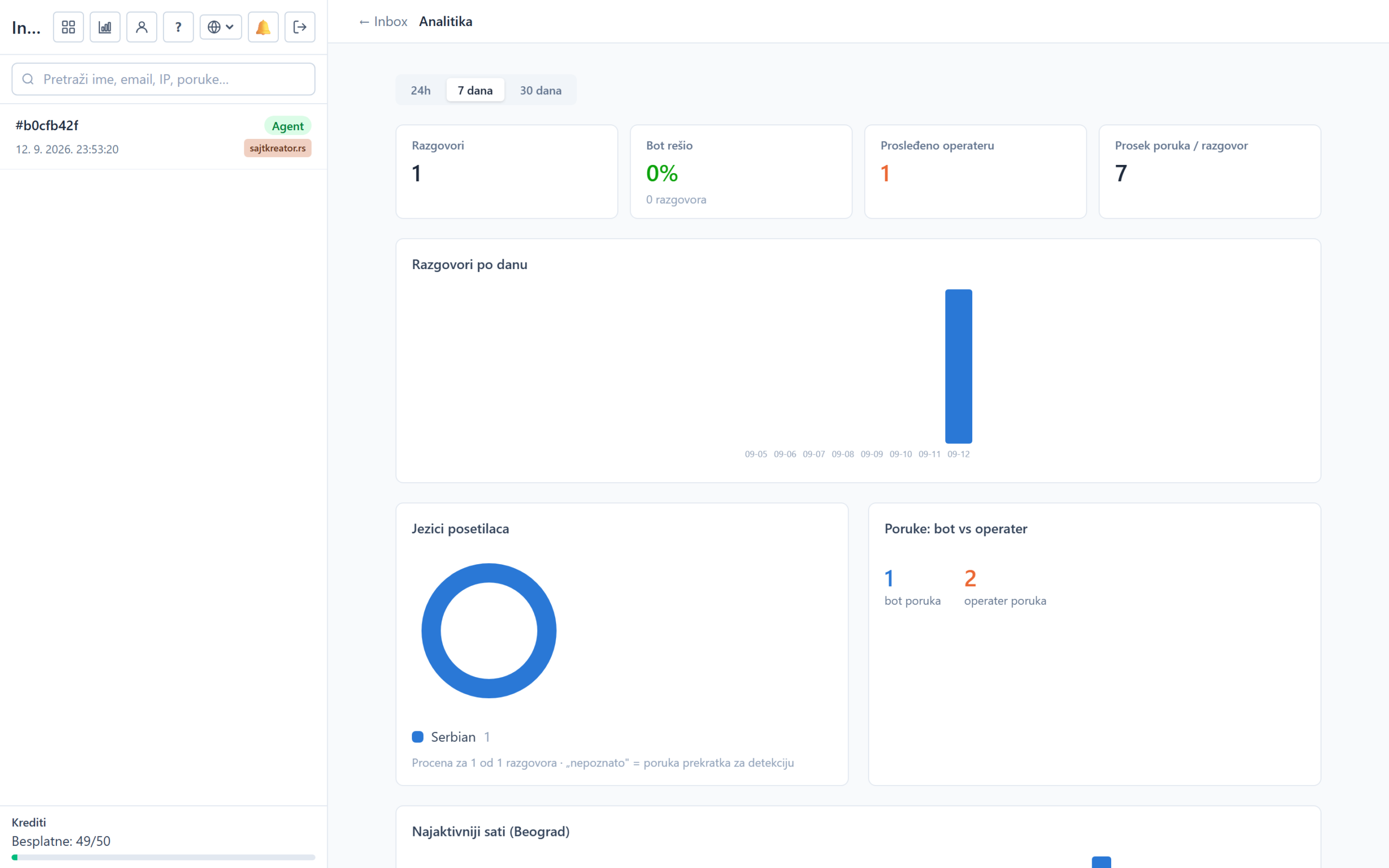
- Conversations, Bot solved (percentage of conversations solved by the bot without an operator), Forwarded to operator and Average messages per conversation.
- Conversations per day: a graph of activity over time.
- Visitor languages: what languages people write in.
- Messages: bot vs. operator: how many messages were sent by the bot and how many by operators.
- Most active hours Belgrade time and Frequently asked questions.
These numbers show you how much the bot is relieving support and where there is room to improve it.